
The short answer
An Apple Watch that is not charging is worth five home fixes, in this order: check Optimized Battery Charging, clean the watch back and charger, force restart and update, test the charger and cable, then read battery health. A new charger such as the Folding Wireless 3-in-1 Dock helps only when the charger is at fault.
Key takeaways
- WizeBand says Optimized Battery Charging can limit charging to 80% on purpose1.
- iConnect Care advises cleaning the watch back and charging pad with a soft, dry, lint-free cloth2.
- iConnect Care says the most frequent reason for an Apple Watch charging issue is a compromised or damaged charger3.
- WizeBand says a battery health reading under 80% may mean the battery is too worn to fully charge4.
Why does my Apple Watch stop at 80%?
Optimized Battery Charging is the first thing to rule out when a watch stops at 80%. WizeBand, read 5 November 2026, says the setting can limit charging to 80% on purpose1. Apple's own spec page, read the same day, says Apple Watch Series 12 charges up to 80% in about 30 minutes5. Apple's figure gives a fair yardstick for that model. A Series 12 that takes much longer to reach 80% is worth taking through the checks below.

How do I clean the watch and charger safely?
Cleaning the watch back and the charger costs nothing and comes second. The two repair guides quoted here, both read 5 November 2026, agree on a soft cloth2,6. The same two guides differ on liquid, and the points below set their advice side by side6,7. The watch maker's own care advice is the place to settle the liquid question before trying it.
WizeBand also advises laying the watch flat on the charger with no case and no stand, to see how the watch charges that way8. Taking the watch off a stand and out of its case is a quick test of the contact between watch and charger. A watch that charges well flat on the charger points back to the case or the stand.
Could a restart or a software update fix it?
Software is worth ruling out before hardware. WizeBand says a force restart means holding both buttons for 10 seconds9. iConnect Care describes the same step as pressing the side button and Digital Crown together for approximately 10 seconds10. iConnect Care gives the update path as Settings > General > Software Update11. WizeBand advises updating over a stable Wi-Fi connection with at least 50% battery12.

Is my charger or cable the problem?
iConnect Care, read 5 November 2026, says the most frequent reason for an Apple Watch charging issue is a compromised or damaged charger3. Swapping one part at a time gives a clear answer. iConnect Care advises testing the charger on another Apple Watch to tell whether the charger or the watch is at fault13. WizeBand's checklist includes trying a different outlet or charging brick14.
A close look along the cable helps too. WizeBand lists cable fraying or bending near the USB end as a warning sign on the charger15. A charger that shows either sign, or fails on a second watch, is the part to replace. A charger that works well on a second watch clears the charger and points to the watch.
How do I know if the battery is worn?
WizeBand says battery health is checked on the watch under Battery > Battery Health16. WizeBand also says a battery health reading under 80% may mean the battery is too worn to fully charge4. Apple lists battery life of up to 24 hours of normal use for Apple Watch Series 1217. A watch far short of its model's listed battery life, with a low battery health reading, is worth raising with a repair service.
Heat is the sign to stop testing at home. WizeBand lists a watch that gets hot while charging among the signs that call for a store visit18. A watch that runs hot, or a low battery health reading after every other check, is the point to talk to a repair service rather than buy a new charger.
Where does the Folding Wireless 3-in-1 Dock fit?
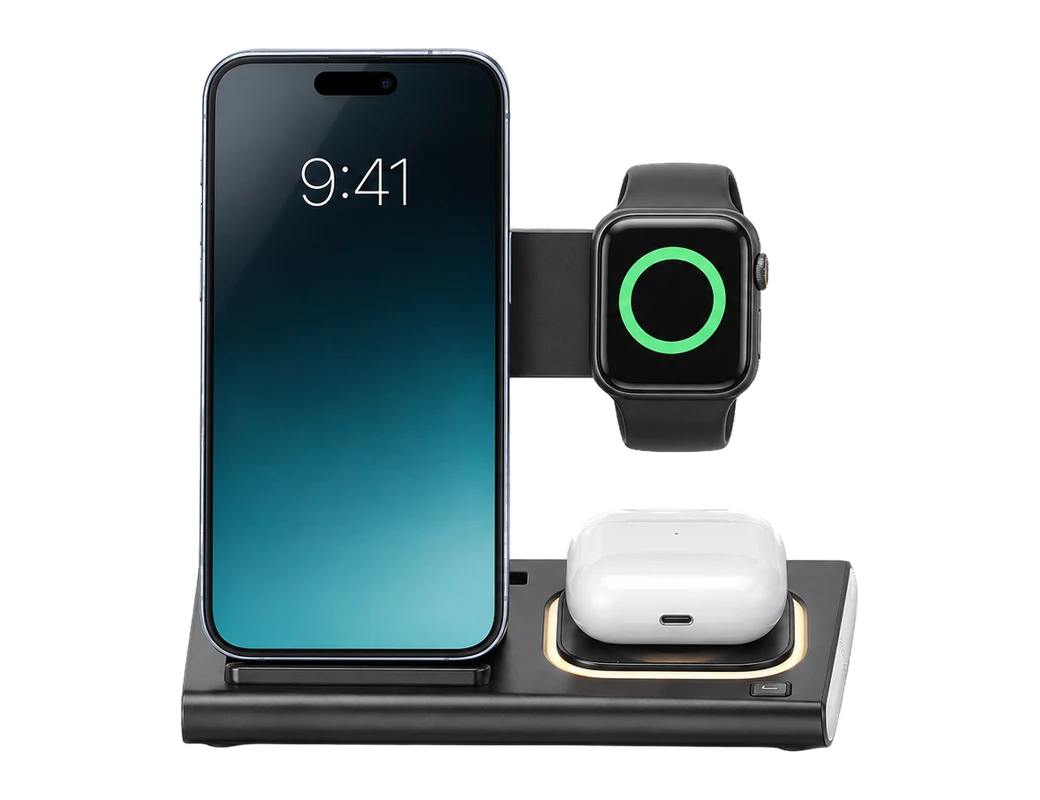
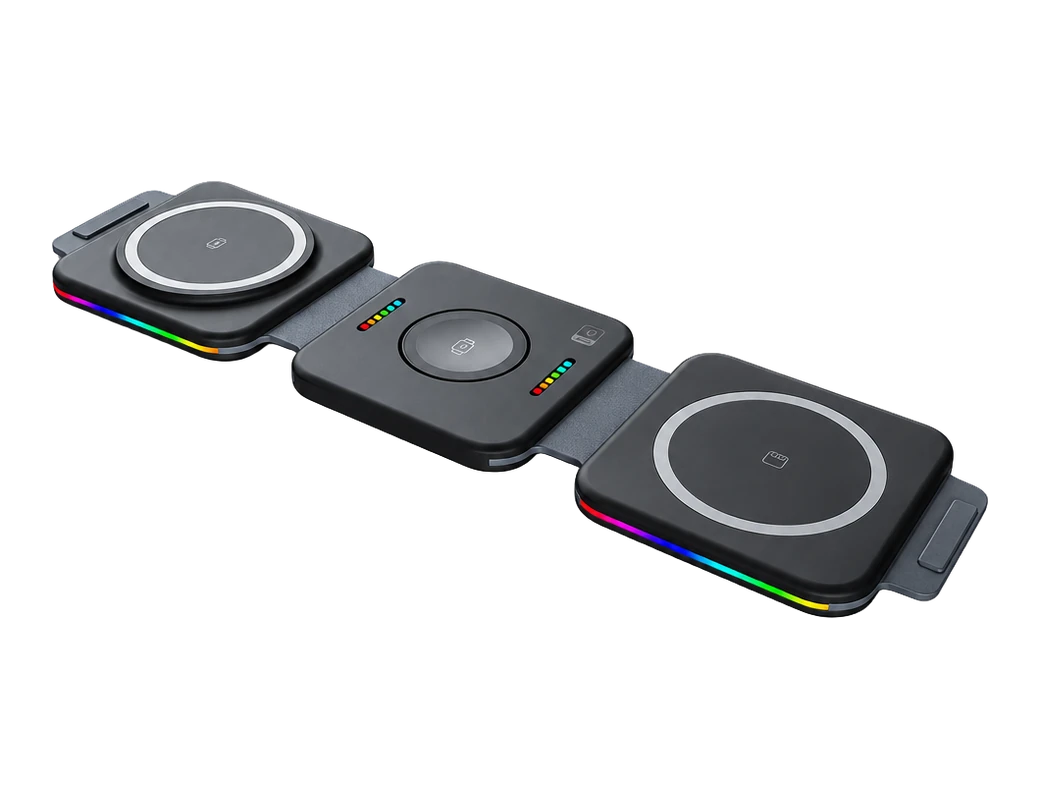
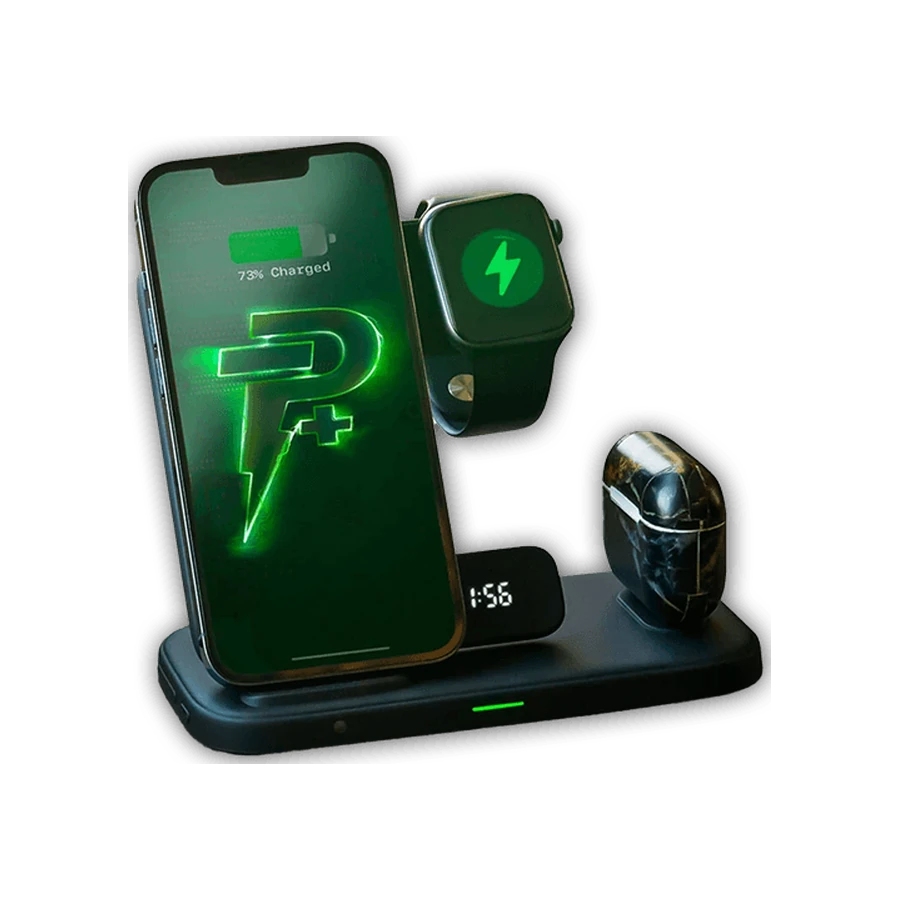
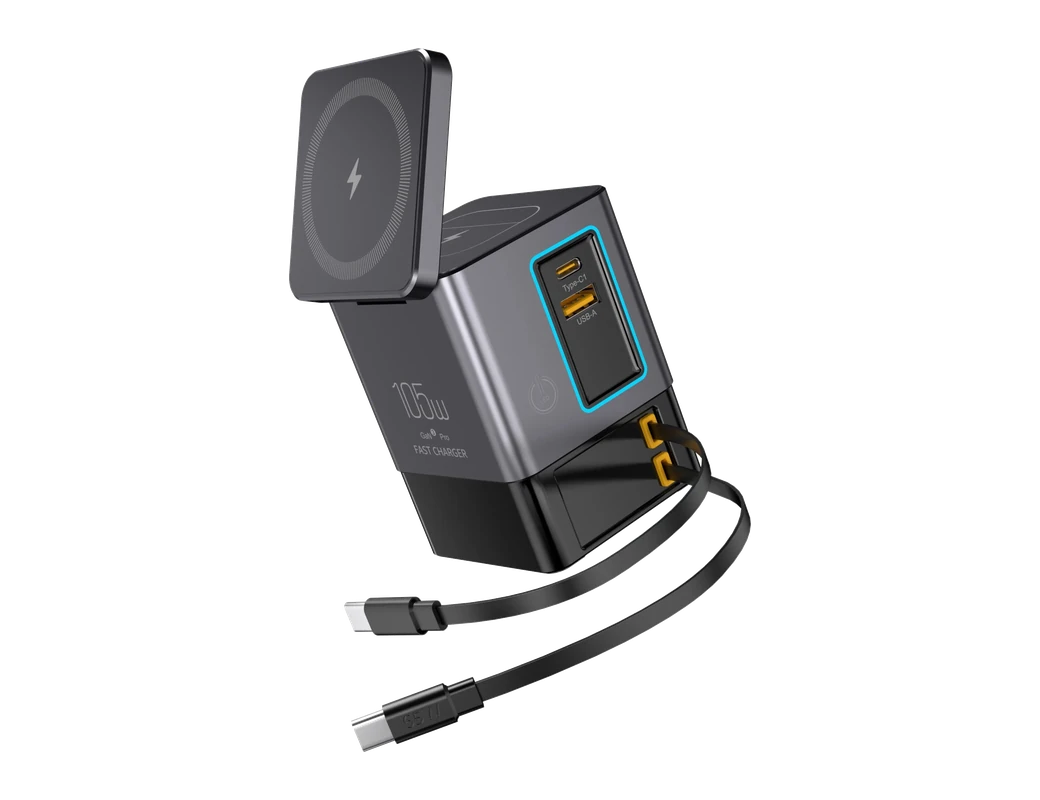
A damaged or worn charger is the one fault on this page that a new charger fixes. The Folding Wireless 3-in-1 Dock from Titan Power Plus can wirelessly charge up to 3 devices at a time19. The dock is built for a phone, a watch and earbuds together, and folds flat to fit a pocket or a bag. Titan Power Plus lists Watch 1 / 2 / 3 / 4 / 5 / 6 / 7 among compatible devices for the dock20. Owners of a newer watch should confirm their model on the product page before buying.
Notes on the same product page, read 5 November 2026, matter if your watch lives in a case21. Titan Power Plus gives the maximum through-case charging distance of the dock as 5mm21. Titan Power Plus says cases with metallic backs interfere with power transfer on the dock22. Titan Power Plus states a 30-day return policy23.
Products in this guide
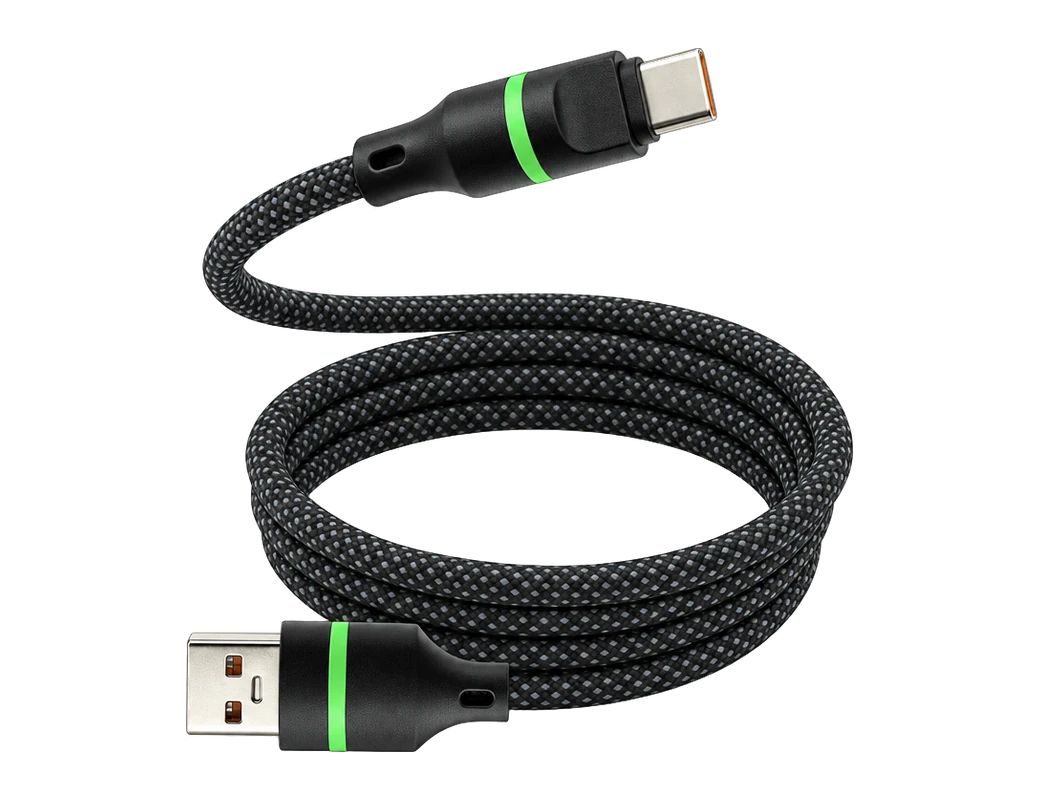
$25.95 Price read 5 November 2026, 05:34 EST [25]
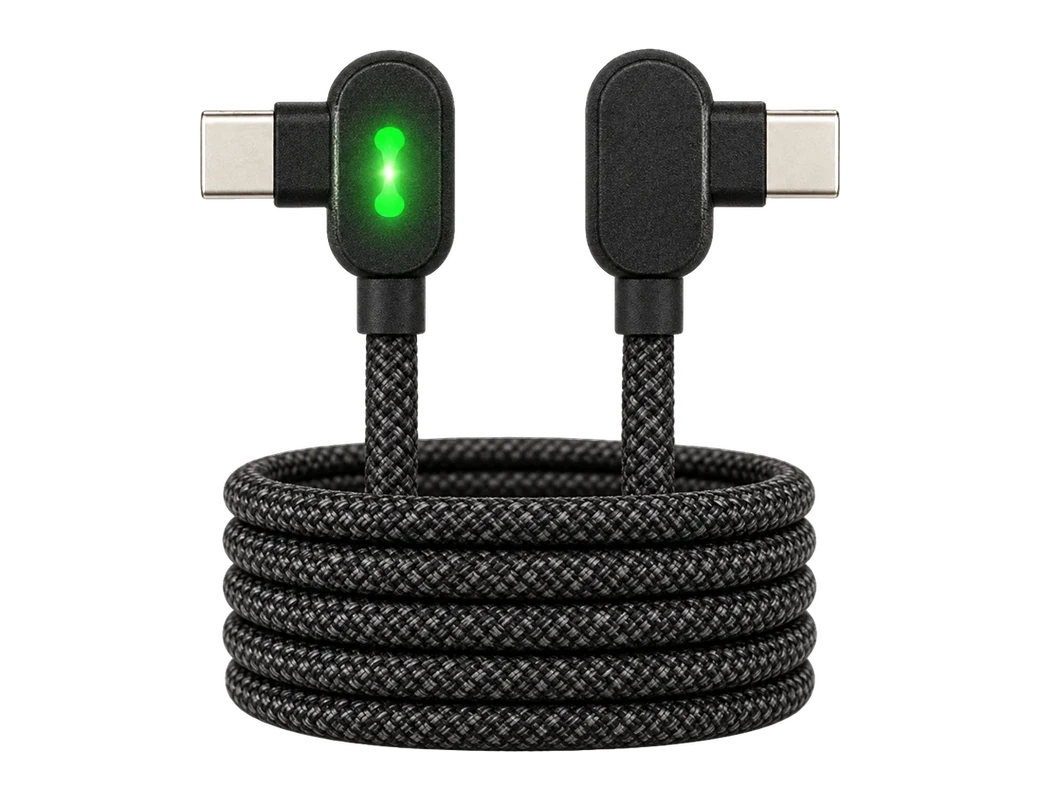
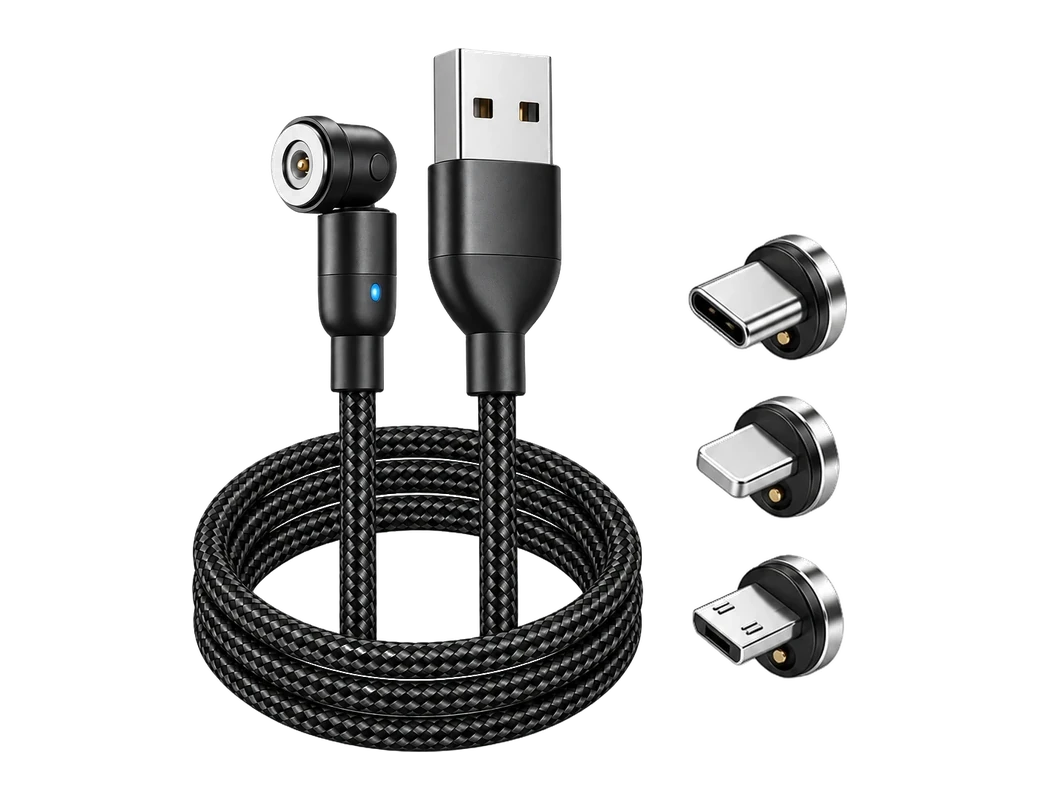
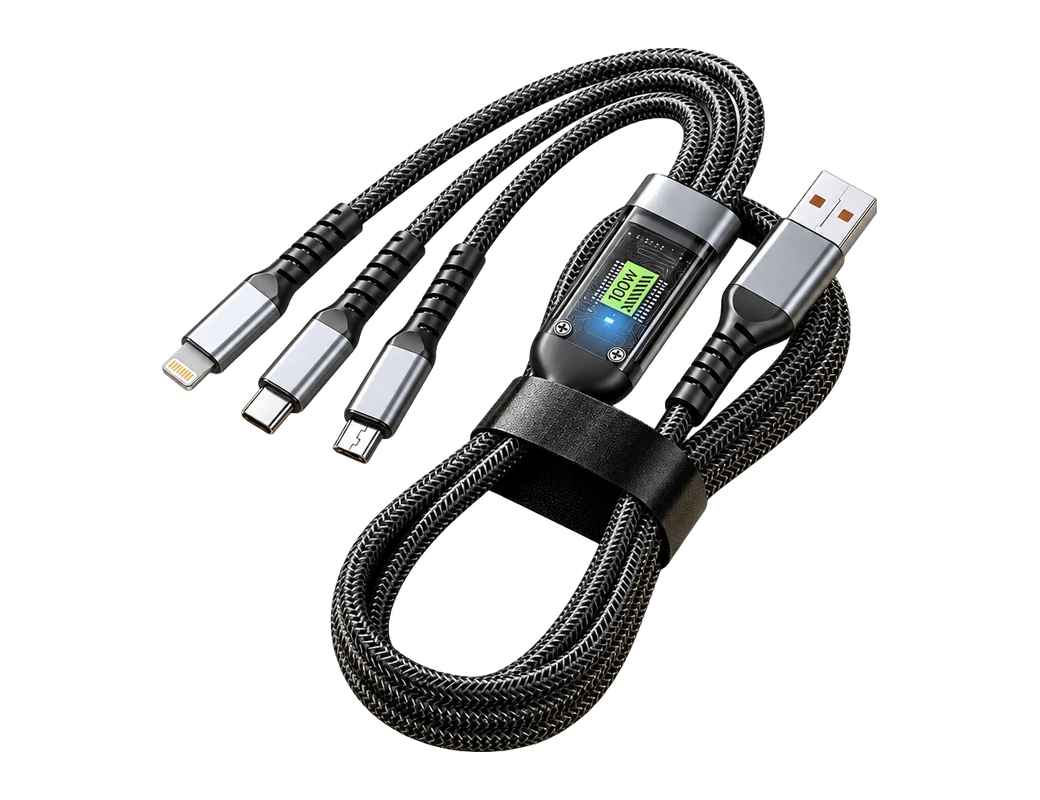
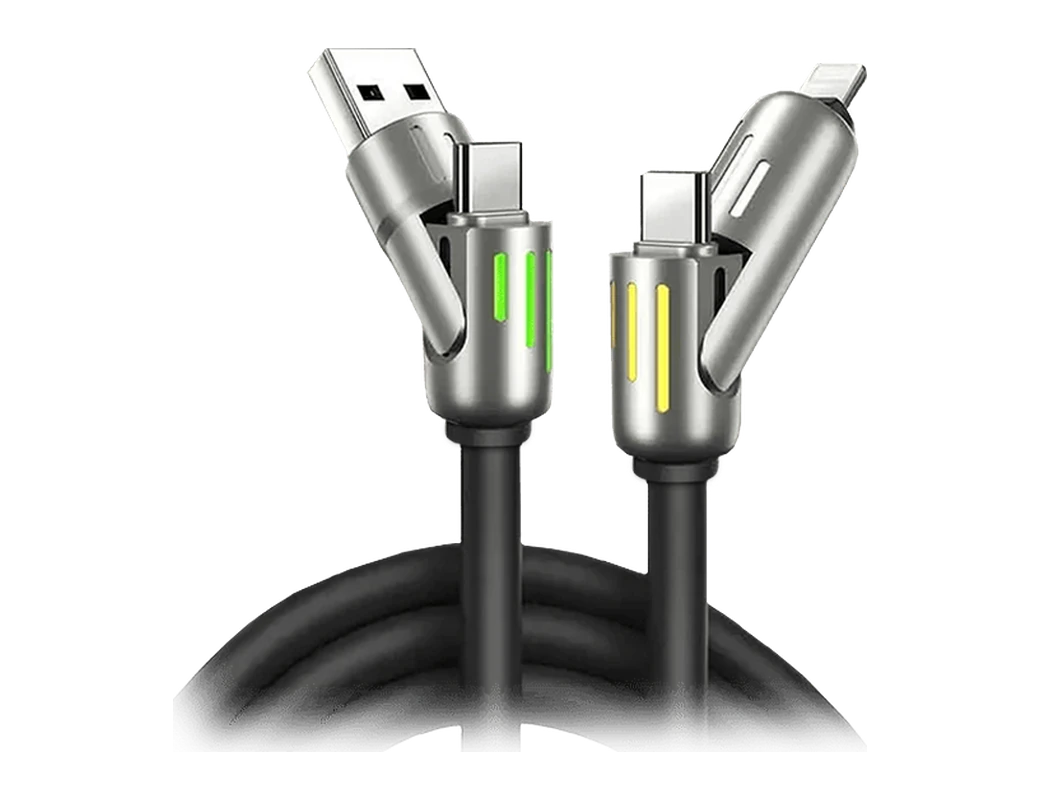
View the Titan Smart Cable (Upscaled)

Common questions
Why does my Apple Watch charge to 80% and then stop?
Optimized Battery Charging is the first setting to check, since WizeBand says it can limit charging to 80% on purpose1. A charger swap, including to the Folding Wireless 3-in-1 Dock, is worth trying only after that setting is ruled out.
How do I tell if the charger or the watch is at fault?
Test the charger on another Apple Watch, as iConnect Care advises, to see which part fails13. A charger that fails on both watches is the part to replace. The Folding Wireless 3-in-1 Dock product page lists the watch models the dock supports.
Can I charge my Apple Watch through a case?
Through-case charging has a limit on the Folding Wireless 3-in-1 Dock, and Titan Power Plus gives the maximum through-case charging distance as 5mm21. Titan Power Plus also says cases with metallic backs interfere with power transfer on the dock22.
Does the Folding Wireless 3-in-1 Dock work with newer Apple Watch models?
Titan Power Plus lists Watch 1 / 2 / 3 / 4 / 5 / 6 / 7 among compatible devices for the Folding Wireless 3-in-1 Dock20. A model past 7 is not on that list, so the product page is the place to confirm before buying.
When should I take my Apple Watch in for repair?
WizeBand lists a watch that gets hot while charging among the signs that call for a store visit18. WizeBand says a battery health reading under 80% may mean a worn battery4. A new charger such as the Folding Wireless 3-in-1 Dock helps when the charger is at fault, not the battery.
See the Folding Wireless 3-in-1 Dock product page to check compatibility with your watch before you buy.
View the Folding Wireless 3-in-1 DockHow we made this guide
- Who: Titan Power Plus.
- How: we read 25 sources, the latest on 5 November 2026, and every price, date and figure here is traced to one of them below. The guide was drafted with AI tools.
- Why: to answer “Why is my Apple Watch not charging, and how do I fix it?” before you buy.
Sources (25)
- WizeBand says Optimized Battery Charging can limit charging to 80% on purpose. · wizeband.com/blogs/news/why-apple-watch-not-fully-charging-how-to-fix-it-fast · read
- Apple Apple Watch: iConnect Care advises cleaning the watch back and charging pad with a soft, dry, lint-free cloth. · iconnectcare.in/apple-watch-not-charging-heres-what-you-should-try-before-repair · read
- Apple Apple Watch: iConnect Care says the most frequent reason for an Apple Watch charging issue is a compromised or damaged charger. · iconnectcare.in/apple-watch-not-charging-heres-what-you-should-try-before-repair · read
- WizeBand says a battery health reading under 80% may mean the battery is too worn to fully charge. · wizeband.com/blogs/news/why-apple-watch-not-fully-charging-how-to-fix-it-fast · read
- Apple's spec page says Apple Watch Series 12 charges up to 80% in about 30 minutes. · apple.com/apple-watch-series-12/specs · read
- WizeBand advises cleaning the watch back and charger with a microfiber cloth and a bit of 70% isopropyl alcohol. · wizeband.com/blogs/news/why-apple-watch-not-fully-charging-how-to-fix-it-fast · read
- Apple Apple Watch: iConnect Care advises against liquid cleaners or abrasive surfaces when cleaning the charging surface. · iconnectcare.in/apple-watch-not-charging-heres-what-you-should-try-before-repair · read
- WizeBand advises laying the watch flat on the charger with no case and no stand to see if it charges better. · wizeband.com/blogs/news/why-apple-watch-not-fully-charging-how-to-fix-it-fast · read
- WizeBand says a force restart means holding both buttons for 10 seconds. · wizeband.com/blogs/news/why-apple-watch-not-fully-charging-how-to-fix-it-fast · read
- Apple Apple Watch: iConnect Care says a force restart means pressing the side button and Digital Crown together for approximately 10 seconds. · iconnectcare.in/apple-watch-not-charging-heres-what-you-should-try-before-repair · read
- Apple watchOS: iConnect Care gives the update path as Settings > General > Software Update. · iconnectcare.in/apple-watch-not-charging-heres-what-you-should-try-before-repair · read
- WizeBand advises updating the watch over a stable Wi-Fi connection with at least 50% battery. · wizeband.com/blogs/news/why-apple-watch-not-fully-charging-how-to-fix-it-fast · read
- Apple Apple Watch: iConnect Care advises testing the charger on another Apple Watch to tell whether the charger or the watch is at fault. · iconnectcare.in/apple-watch-not-charging-heres-what-you-should-try-before-repair · read
- WizeBand's checklist includes trying a different outlet or charging brick. · wizeband.com/blogs/news/why-apple-watch-not-fully-charging-how-to-fix-it-fast · read
- WizeBand lists cable fraying or bending near the USB end as a sign of a bad charger. · wizeband.com/blogs/news/why-apple-watch-not-fully-charging-how-to-fix-it-fast · read
- WizeBand says battery health is checked on the watch under Battery > Battery Health. · wizeband.com/blogs/news/why-apple-watch-not-fully-charging-how-to-fix-it-fast · read
- Apple lists battery life of up to 24 hours of normal use for Apple Watch Series 12. · apple.com/apple-watch-series-12/specs · read
- WizeBand lists a watch that gets hot while charging among the signs that call for a store visit. · wizeband.com/blogs/news/why-apple-watch-not-fully-charging-how-to-fix-it-fast · read
- Titan Power Plus says the dock can wirelessly charge up to 3 devices at a time. · titanpowerplus.com/products/foldable-charger · read
- Titan Power Plus lists Apple Watch 1 /2 / 3 / 4 / 5 / 6 / 7 among compatible devices for the dock. · titanpowerplus.com/products/foldable-charger · read
- Titan Power Plus says the maximum through-case charging distance of the Folding Wireless 3-in-1 Dock is 5mm. · titanpowerplus.com/products/foldable-charger · read
- Titan Power Plus says cases with metallic backs interfere with power transfer on the dock. · titanpowerplus.com/products/foldable-charger · read
- Titan Power Plus states a 30-day return policy. · titanpowerplus.com/products/foldable-charger · read
- Titan Power Plus Titan Smart Cable™ (Upscaled): price $25.95 · titanpowerplus.com/products/cable-pro · read

