
The short answer
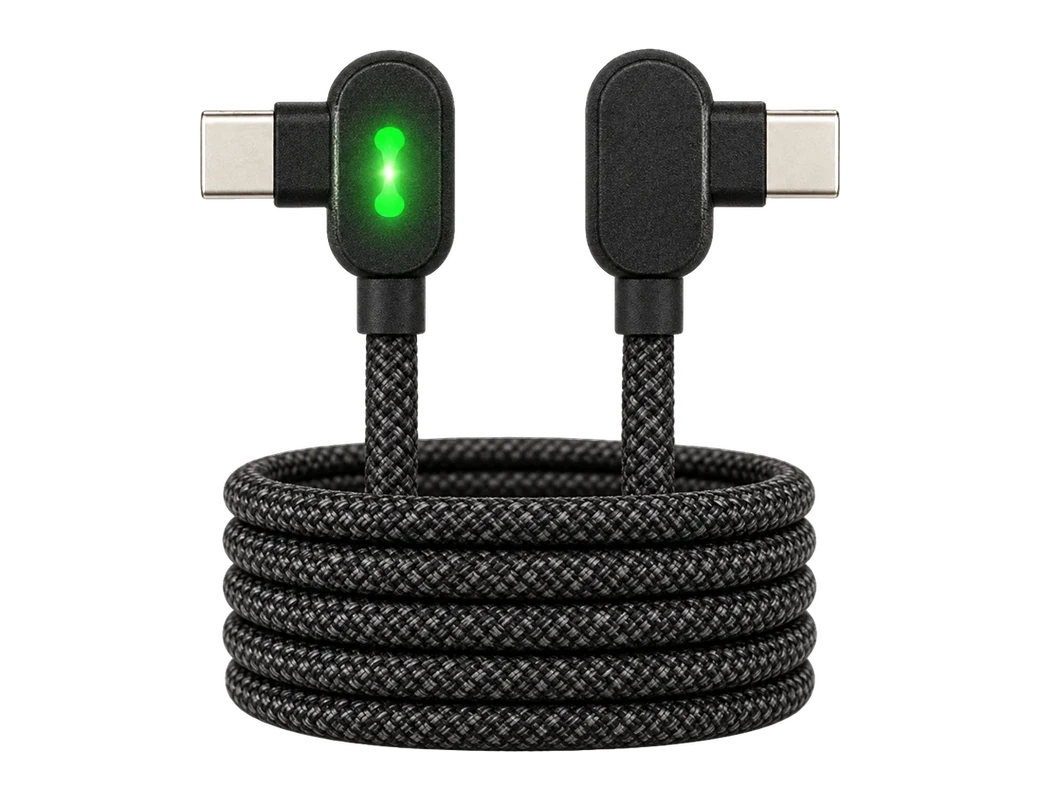
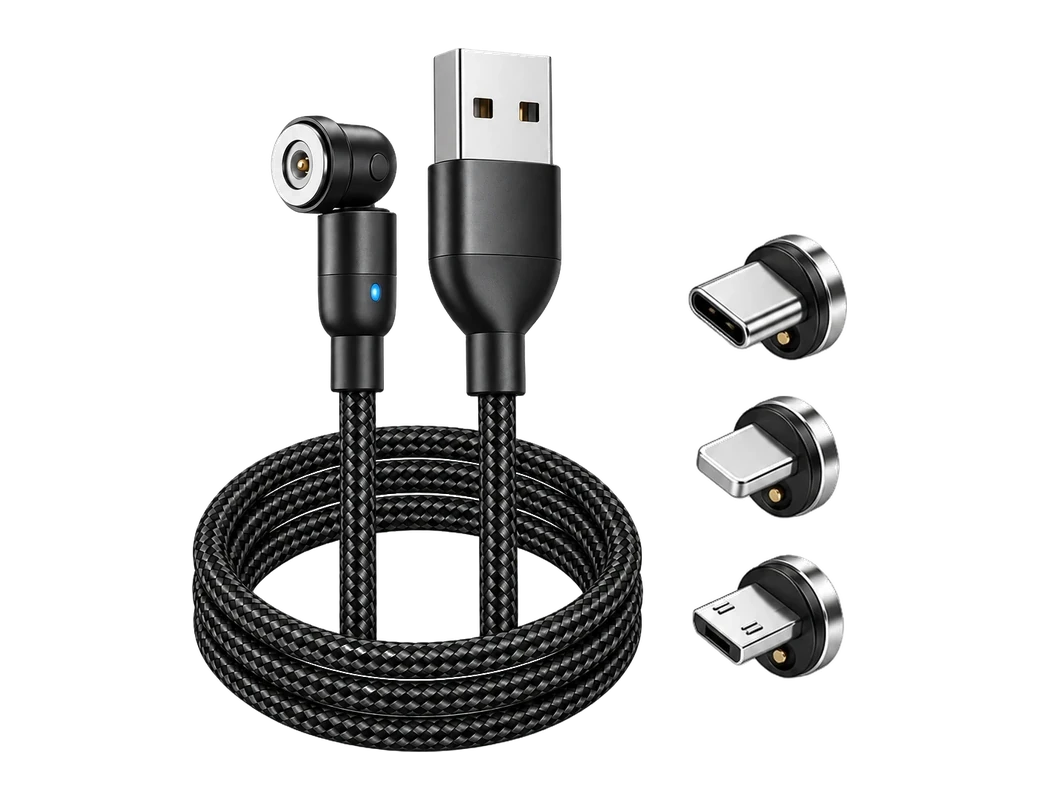
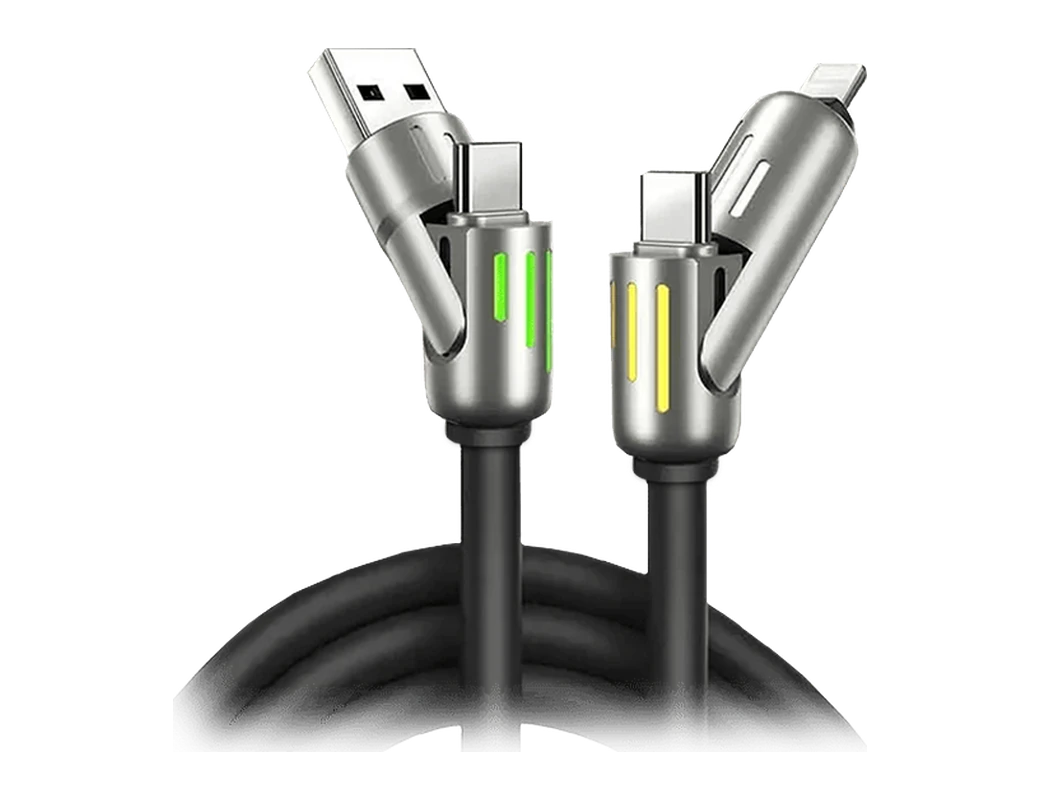
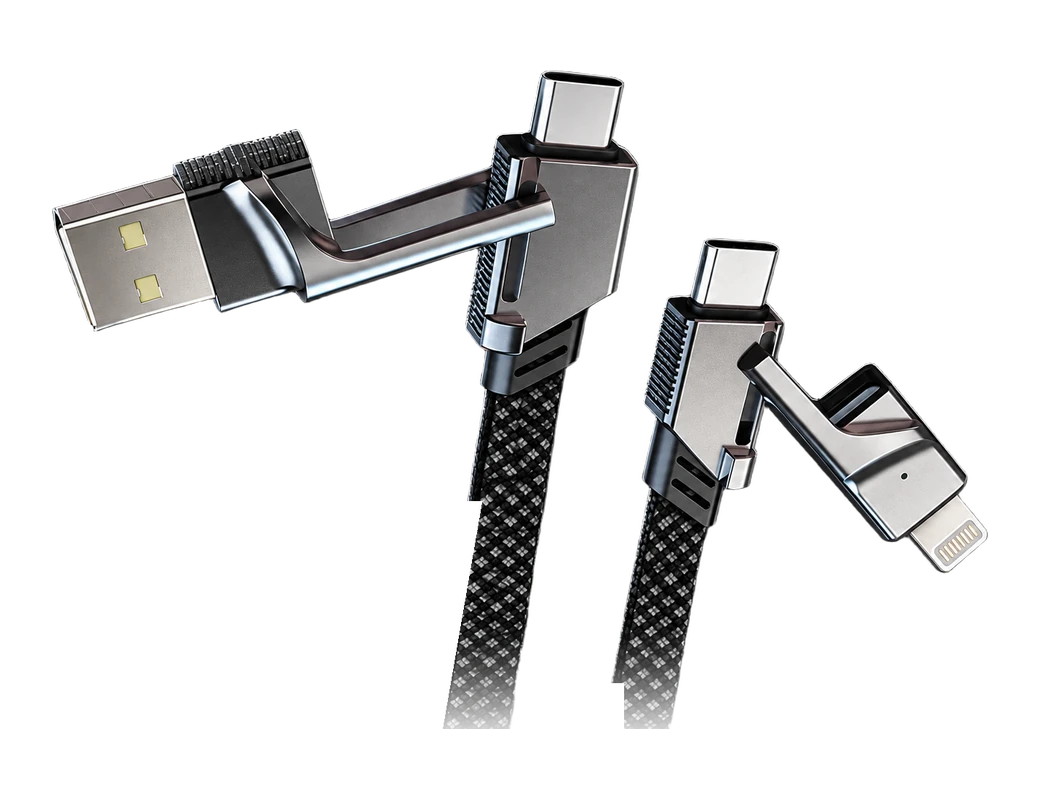
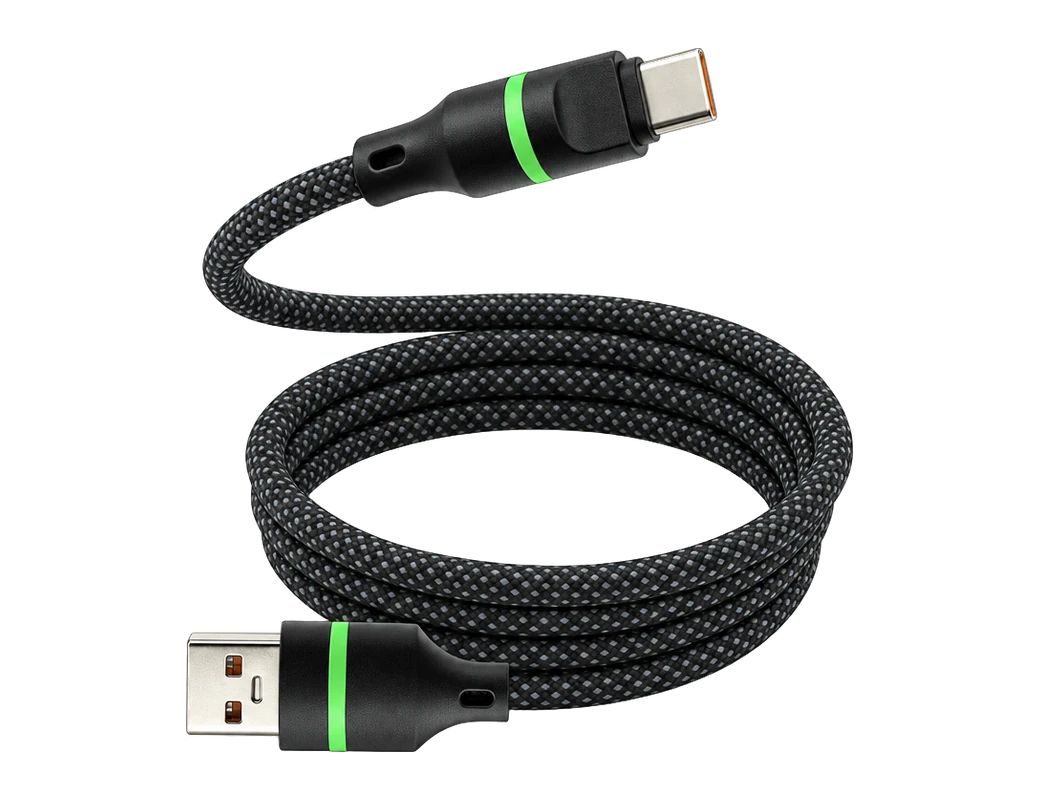
USB-C is the slim, reversible plug that carries more power and data than USB-A, so choose USB-C whenever your charger has a USB-C port1,2,3. USB-C carries far more charging power than a standard USB-A port2,4. The Titan Cable Pro comes in USB-A or USB-C to USB-C or Lightning, to match the port you own5.
Key takeaways
- USB-C is the stronger choice whenever your charger offers a USB-C port, for power and for data2,3.
- Of the 12,828 distinct reviews our customers have left, 656 name a connector or port, and 281 of those name USB-C against 30 for USB-A6.
- Of the 39,368 support tickets our desk has read, 396 were about the wrong cable or a connector that does not fit7.
- A cable has two ends, so check the port on the charger and the socket on the phone before you order.
How do USB-A and USB-C differ in speed and power?
Power is the difference a phone charger feels first. USB-A power delivery is limited4. USB-C supports high-power charging and power delivery2. Data follows the same pattern. USB-A tops out at up to 5 Gbps on USB 3.2 Gen 18, and USB-C reaches up to 40 Gbps on USB4 and Thunderbolt 3/43. The comparison table sets both standards side by side.
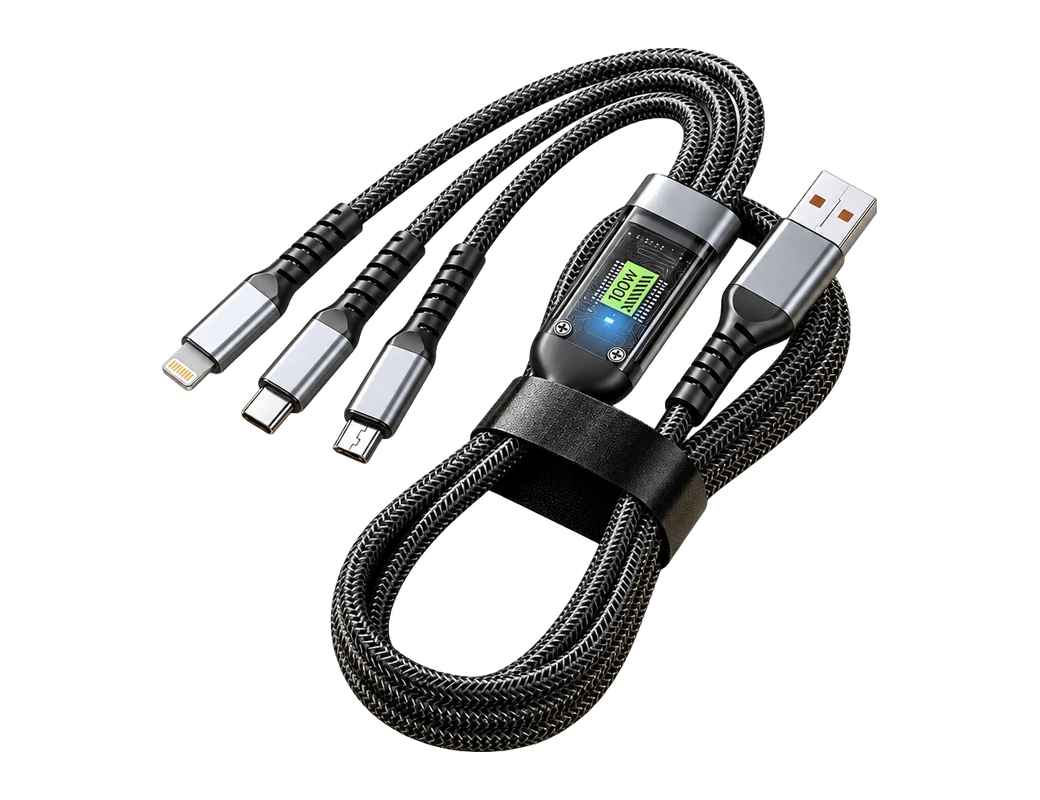
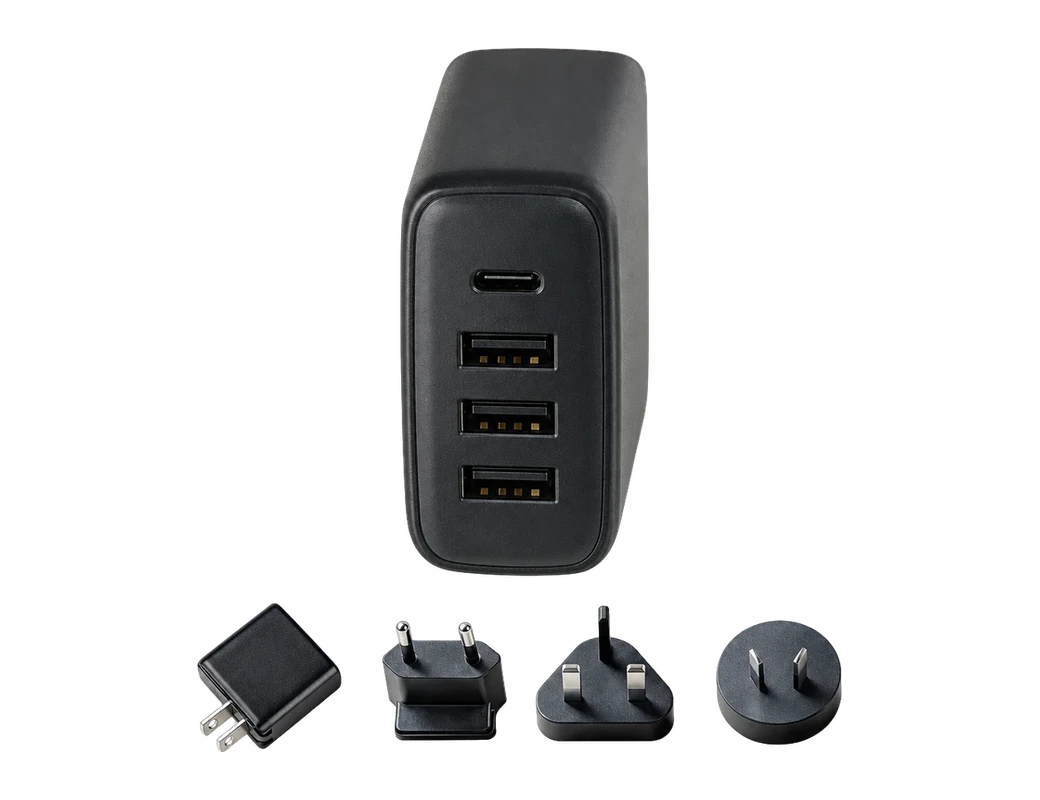
The Titan Cable Pro supports up to 100W charging on USB-C PD9. The Titan PD Plug is the match for full Power Delivery through the cable10. The 100W figure applies on USB-C PD, so a new wall plug is worth buying in USB-C9.
| Feature | USB-A | USB-C |
|---|---|---|
| Physical design | Large, rectangular, directional | Slim, reversible, compact |
| Pin configuration | 4-pin (USB 2.0), 9-pin (USB 3.x) | 24-pin universal connector |
| Data transfer speed | Up to 5 Gbps (USB 3.2 Gen 1) | Up to 40 Gbps (USB4 / Thunderbolt 3/4) |
| Power delivery | Limited (typically ≤2.5 W) | Up to 100 W |
| Video output | not stated | DisplayPort Alt Mode |
| Adoption | Widely compatible, slow-aging standard | Rapid adoption in new devices |

Which ports do you actually have?
USB-A is the large, rectangular plug that goes in only one way up11. USB-C is the slim, reversible plug that fits either way1. A look at the charger settles which one you own. Say your car has a USB-A port and your laptop charger has USB-C. Two cables with different plug ends is the honest answer, or one cable chosen for the place you charge most.
A verified 4-star review of one of our products, left in September 2022, puts the mixed setup plainly: "It's nice to have the versatility of using both USB-A and USB-C in the same wall plug"16. The Titan Cable Pro covers USB-C to USB-C, USB-A to USB-C and Lightning setups, so each cable can match the port it lives beside17.
| Spec | Cable Pro | 240W PrismCore Cable™ |
|---|---|---|
| Stated maximum power | Up to 100W on USB-C PD | Up to 240W |
| Data transfer | USB 3.1, 10 Gbps | not stated |
| Stated charge time | 50% in just 20 minutes | 50% in 10 minutes |
| Bend rating | 300,000+ | over 100,000 |
| Force test | 155kg | not stated |
| Price | see source | 28.05 USD |
Which end goes into your phone?
Of the 12,828 distinct reviews our customers have left, 656 name a connector or port: USB-C appears in 281, Lightning in 121 and USB-A in 306. The counts show which plugs come up when customers write, not which cable works better. A review can name a connector to complain as easily as to praise. Read as a map of the ports our customers live with, the 656 reviews that name a connector put USB-C first, Lightning second and USB-A a distant third6.
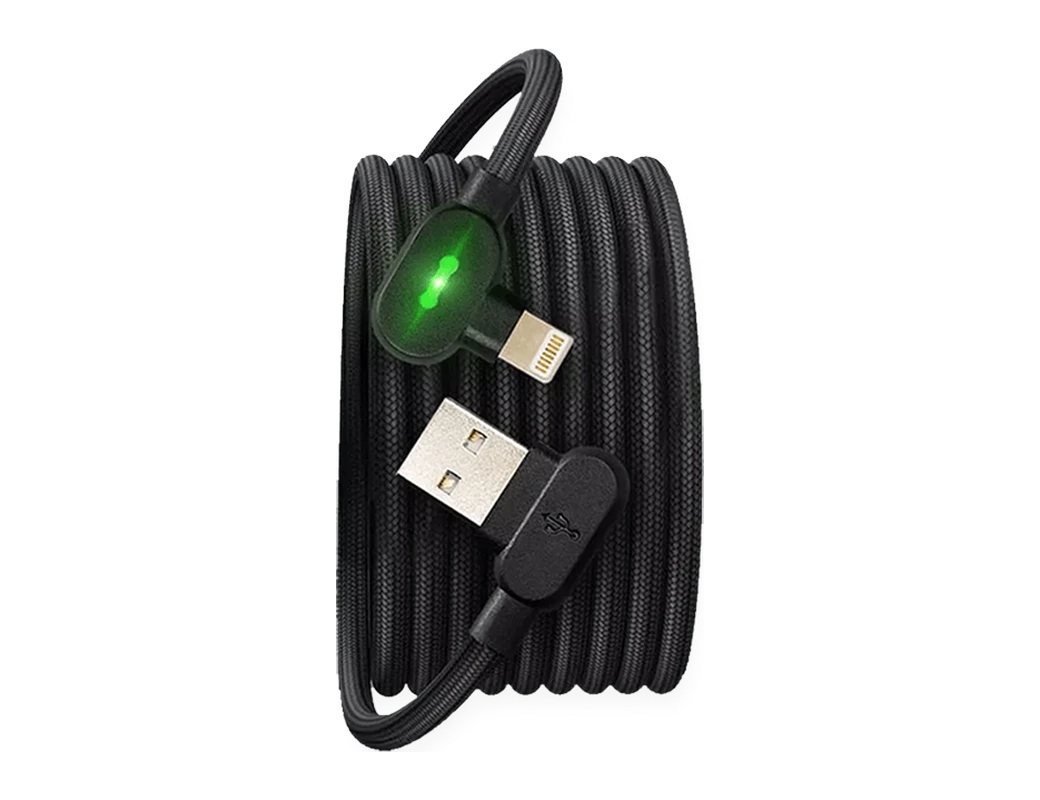
Purchases point the same way. Of the Titan Smart Cable PRO units our customers bought from August to October 2026, 79% had USB-C on both ends, out of the three end pairs they bought27. Lightning is still the right end for a phone with a Lightning socket, and the Titan Cable Pro comes in USB-A or USB-C to Lightning for that case5. If your charger and your phone both take USB-C, buy USB-C on both ends.

How do you avoid ordering the wrong cable?
Wrong ends are the mistake worth avoiding. Of the 39,368 support tickets our desk has read, counting each ticket's subject and first message, 396 were about the wrong cable or a connector that does not fit7. Adapters are the other sign of a mismatch. Of the 12,828 distinct reviews our customers have left, 80 mention needing or using an adapter or dongle28. Both counts are small shares, and two checks before you order cover both ends of the cable.
- Check the port you will plug into: USB-A or USB-C on the wall plug, car charger or computer.
- Check the socket on your phone or tablet: USB-C or Lightning.
Which cable suits the car?
Picture a phone on the dash, a long drive ahead, and a plug that stays put over every bump. The Titan Cable Pro works with all USB car chargers29 and is tested to withstand 155kg of force24. The cable is listed with a 300,000+ bend lifespan22.
A verified 5-star review of the Titan Smart Cable, left in April 2022, calls the cable "absolutely perfect for the car"30. Another verified 5-star review, left in February 2022, says "the USB-C clicks into the phone for a secure connection that has worked perfectly for me under windy conditions on the bike and rough off-road in the pickup"31.
Products in this guide
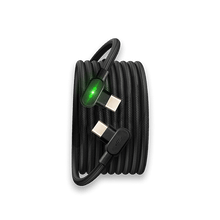
Common questions
Is USB-C faster than USB-A for charging a phone?
Yes, when the charger has a USB-C port. USB-C carries far more charging power than USB-A2,4. The Titan Cable Pro supports up to 100W charging on USB-C PD9.
Can I use a USB-C phone with an older USB-A charger?
Yes, with a cable that has a USB-A plug end. The Titan Cable Pro covers USB-C to USB-C, USB-A to USB-C and Lightning setups17, so one cable runs straight from a USB-A charger to a USB-C phone.
Does the connector matter for data, or only for charging?
The connector matters for both. USB-C carries up to 40 Gbps of data against up to 5 Gbps for USB-A3,8. The Titan Cable Pro is specified for USB 3.1 data transfer at 10 Gbps19.
Should I buy USB-C even if my charger is USB-A today?
Buy for the port you charge from now. The Titan Cable Pro comes in USB-A or USB-C to USB-C or Lightning5, so a USB-A plug end fits the charger you own and a USB-C plug end suits a new USB-C wall plug.
Visit the Titan Cable Pro page and pick the two ends that match your charger and your phone.
View the Titan Smart CableHow we made this guide
- Who: Titan Power Plus.
- How: we read 31 sources, the latest on 6 November 2026, and every price, date and figure here is traced to one of them below. We also counted, by program, every row of: our customer reviews (12,828 rows), our support desk's tickets (39,368 rows). The guide was drafted with AI tools.
- Why: to answer “USB-A or USB-C: what is the difference, and which should you choose?” before you buy.
Sources (31)
- VisionTek's guide describes the USB-C physical design as slim, reversible and compact. · visiontek.com/blogs/blog/why-is-usb-c-better-than-usb-a · read
- VisionTek's guide says USB-C supports up to 100 W charging and power delivery. · visiontek.com/blogs/blog/why-is-usb-c-better-than-usb-a · read
- VisionTek's guide lists USB-C data transfer at up to 40 Gbps (USB4 / Thunderbolt 3/4). · visiontek.com/blogs/blog/why-is-usb-c-better-than-usb-a · read
- VisionTek's guide lists USB-A power delivery as limited, typically ≤2.5 W. · visiontek.com/blogs/blog/why-is-usb-c-better-than-usb-a · read
- Titan Power Plus Cable Pro: Titan Cable Pro is available in USB-A or USB-C to USB-C or Lightning. · titanpowerplus.com/products/cable-pro · read
- Titan Power Plus: Of the 656 customer reviews that name a connector or port, how many name each: USB-C 281, Lightning 121, USB-A 30 · read
- Titan Power Plus: Support tickets saying the wrong cable or a connector that does not fit: 396 of 39,368 read · read
- VisionTek's guide lists USB-A data transfer at up to 5 Gbps (USB 3.2 Gen 1). · visiontek.com/blogs/blog/why-is-usb-c-better-than-usb-a · read
- Titan Power Plus Cable Pro: Titan Cable Pro supports up to 100W charging on USB-C PD. · titanpowerplus.com/products/cable-pro · read
- Titan Power Plus Cable Pro: Titan's page says to pair Cable Pro with the Titan PD Plug to unlock full Power Delivery. · titanpowerplus.com/products/cable-pro · read
- VisionTek's guide describes the USB-A physical design as large, rectangular and directional. · visiontek.com/blogs/blog/why-is-usb-c-better-than-usb-a · read
- VisionTek's guide lists the USB-A pin configuration as 4-pin (USB 2.0), 9-pin (USB 3.x). · visiontek.com/blogs/blog/why-is-usb-c-better-than-usb-a · read
- VisionTek's guide lists USB-C as a 24-pin universal connector. · visiontek.com/blogs/blog/why-is-usb-c-better-than-usb-a · read
- VisionTek's guide says USB-C supports DisplayPort Alt Mode, running video to external monitors via a single port. · visiontek.com/blogs/blog/why-is-usb-c-better-than-usb-a · read
- VisionTek's guide describes USB-A as a widely compatible, slow-aging standard. · visiontek.com/blogs/blog/why-is-usb-c-better-than-usb-a · read
- Titan Power Plus: A verified 4-star review of a Titan Power Plus product by one of Titan Power Plus's customers, left in September 2022, in the customer's own words · read
- Titan Power Plus Cable Pro: Titan Cable Pro covers USB-C to USB-C, USB-A to USB-C and Lightning setups. · titanpowerplus.com/products/cable-pro · read
- Titan Power Plus 240W PrismCore Cable™: Titan's page says the 240W PrismCore Cable has support up to 240W. · titanpowerplus.com/products/prismcore · read
- Titan Power Plus Cable Pro: Titan Cable Pro is specified for USB 3.1 data transfer at 10 Gbps. · titanpowerplus.com/products/cable-pro · read
- Titan Power Plus Cable Pro: Titan's Cable Pro page says it charges 50% in just 20 minutes. · titanpowerplus.com/products/cable-pro · read
- Titan Power Plus 240W PrismCore Cable™: Titan's PrismCore page lists 50% in 10 minutes. · titanpowerplus.com/products/prismcore · read
- Titan Power Plus Cable Pro: Titan lists Cable Pro with a 300,000+ bend lifespan. · titanpowerplus.com/products/cable-pro · read
- Titan Power Plus 240W PrismCore Cable™: Titan says the PrismCore cable handles over 100,000 bends without breaking. · titanpowerplus.com/products/prismcore · read
- Titan Power Plus Cable Pro: Titan says Cable Pro is tested to withstand 155kg of force. · titanpowerplus.com/products/cable-pro · read
- Cable Pro price at titanpowerplus.com · titanpowerplus.com/products/cable-pro · read
- 240W PrismCore Cable™ price at titanpowerplus.com · titanpowerplus.com/products/prismcore · read
- Titan Power Plus Titan Smart Cable PRO: The share of the Titan Smart Cable PRO units Titan Power Plus's customers bought from August to October 2026 that they chose with USB-C / USB-C ends, of the 3 end pairs they bought · read
- Titan Power Plus: Customer reviews that mention needing or using an adapter or dongle: 80 of 12,828 · read
- Titan Power Plus Cable Pro: Titan says Cable Pro works with all USB car chargers. · titanpowerplus.com/products/cable-pro · read
- Titan Power Plus Titan Smart Cable: A verified 5-star review of the Titan Smart Cable by one of Titan Power Plus's customers, left in April 2022, in the customer's own words · read
- Titan Power Plus Titan Smart Cable: A verified 5-star review of the Titan Smart Cable by one of Titan Power Plus's customers, left in February 2022, in the customer's own words · read

