
The short answer
A phone that will not charge needs four checks in order: a charge limit, the port, the cable and plug, then the phone. An iPhone can pause at 80 per cent1, and Samsung's Protect Battery stops at 85%2. A cable that shows breakage needs replacing3, whether it is a Titan Power Plus Cable Pro or any other.
Key takeaways
- An iPhone resting at 80 per cent or a Samsung at 85% can be obeying a setting, not failing1,2.
- Of 566 support tickets that said a device would not charge, out of 39,368 tickets our support desk read, 413 also named the cable4.
- Clear any debris from the charging port, then plug the cable in firmly5.
- A phone that still will not charge after a force restart might need service6,7.
Is my phone at a charge limit, or is something broken?
An iPhone using Optimised Battery Charging can wait until it is needed before finishing past 80 per cent1. Software might also limit charging above 80 per cent when the battery gets too warm8. iPhone 15 models and later can stop at a set charge limit as well, so check that setting first9. Apple's support page on charging was published December 12, 202510. A cool iPhone parked at exactly 80 per cent is most likely doing what it was set to do.
Samsung phones have a stop of their own: a Samsung community answer says the Protect Battery slider limits charge to 85%, with steps written for Android 14 ONE UI 62,11. On Android 13, the same answer says, Battery Protection is checked in Device Care12. The table below sets the 80 and 85 per cent stops side by side. A phone that halts at one of those exact numbers needs a settings change, not a new cable.
| Where it stops | Phone or software | Why, as the page states it | What the page says to do |
|---|---|---|---|
| Past 80 per cent, until needed | iOS 13 and later | Optimised Battery Charging, active only when a long connection to a charger is predicted | not stated |
| Above 80 per cent | iPhone | The battery gets too warm and software might limit charging | Wait for the temperature to drop |
| A set limit | iPhone 15 models and later | A charge limit is set | Change the charging limit |
| 85% | Android 14 ONE UI 6, per a community answer | The Protect Battery slider is on | Turn the slider off; on Android 13, check Device Care |

What our support tickets show about phones that won't charge
Of 566 support tickets that said a device would not charge, out of 39,368 tickets our support desk read, 413 also named the cable4. A plug or adapter came up in 85 of those support tickets, a software update in 36, the phone's charging port in 19, a phone case in 16, wireless charging in 14, and lint or dirt in 34. The same 566 support tickets named an iPhone 167 times and an iPad 46 times14.
A program counted words in each support ticket's subject and first message, so those counts record what customers suspected, not what was wrong4. A brand that sells cables hears about cables, so 413 may say as much about worry as about fault. The port reads the other way: only 19 support tickets named it and 3 named lint or dirt4, yet a clean port is the cheapest fix to rule out. Rule out the settings and the port first, and replace the cable when it fails the checks below.
| Spec | Cable Pro | 240W PrismCore Cable™ |
|---|---|---|
| Maximum power | Up to 100W on USB-C PD | Up to 240W |
| Stated bend life | 300,000+ bends | Over 100,000 bends |
| Stated pull test | 155kg of force | not stated |
| Stated charge time | 50% in 20 minutes | 50% in 10 minutes |
| Data transfer | USB 3.1, 10 Gbps | not stated |
| Price | 23.62 USD | 28.05 USD |
Which fixes should I try first?
Work through these in order and stop at the step that brings the charge back. The steps follow Apple's own advice for iPhone3, and the cable, plug and port checks suit any phone that charges by cable. Every step before the last one costs nothing.
- Check the charging cable and USB adaptor for breakage or bent prongs3.
- Remove any debris from the charging port, then plug the cable in firmly5.
- Swap in a cable and plug you know work, to tell a phone fault from a cable fault.
- Force restart an iPhone that still won't power on or shows a battery icon6.
- Book a service visit if the phone still won't power on or charge7.

When is a new cable the fix?
A new cable is the fix when the old one shows breakage3, or when a known good cable charges the phone and yours does not. Of the 5,700 reviews our customers left for the Titan Smart Cable from November 2018 to October 2025, one verified five star review from March 2021 says the braided cable the customer had before "broke at the phone c plug"25,26.
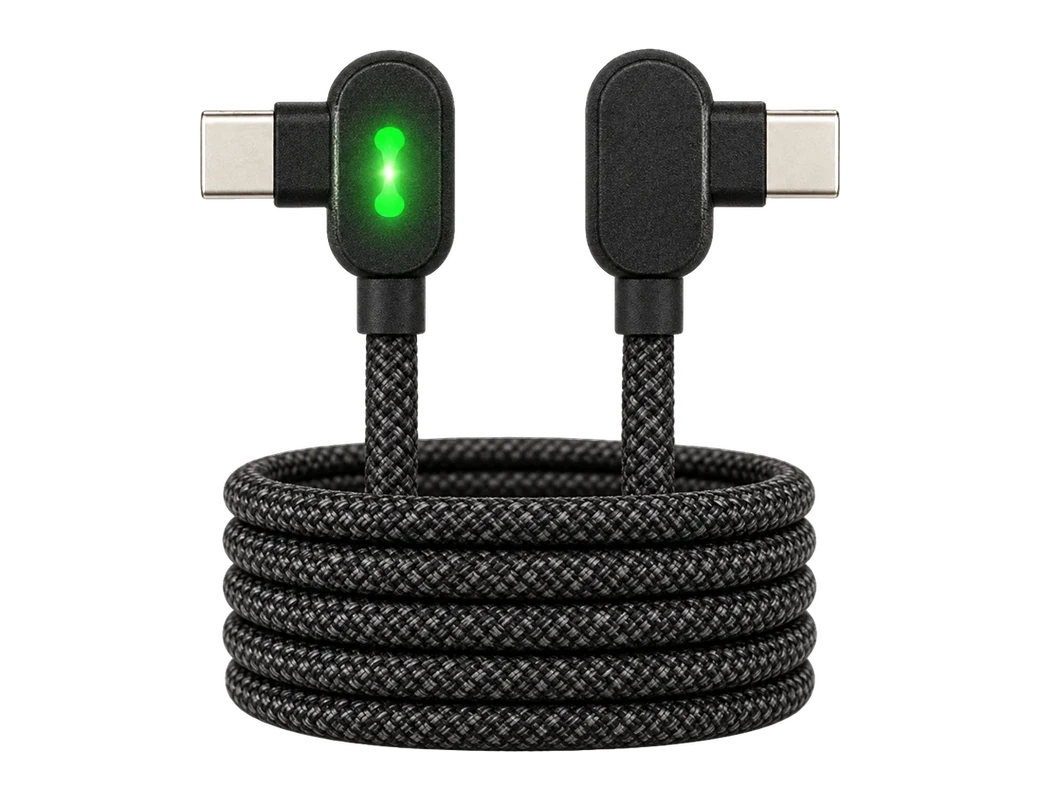
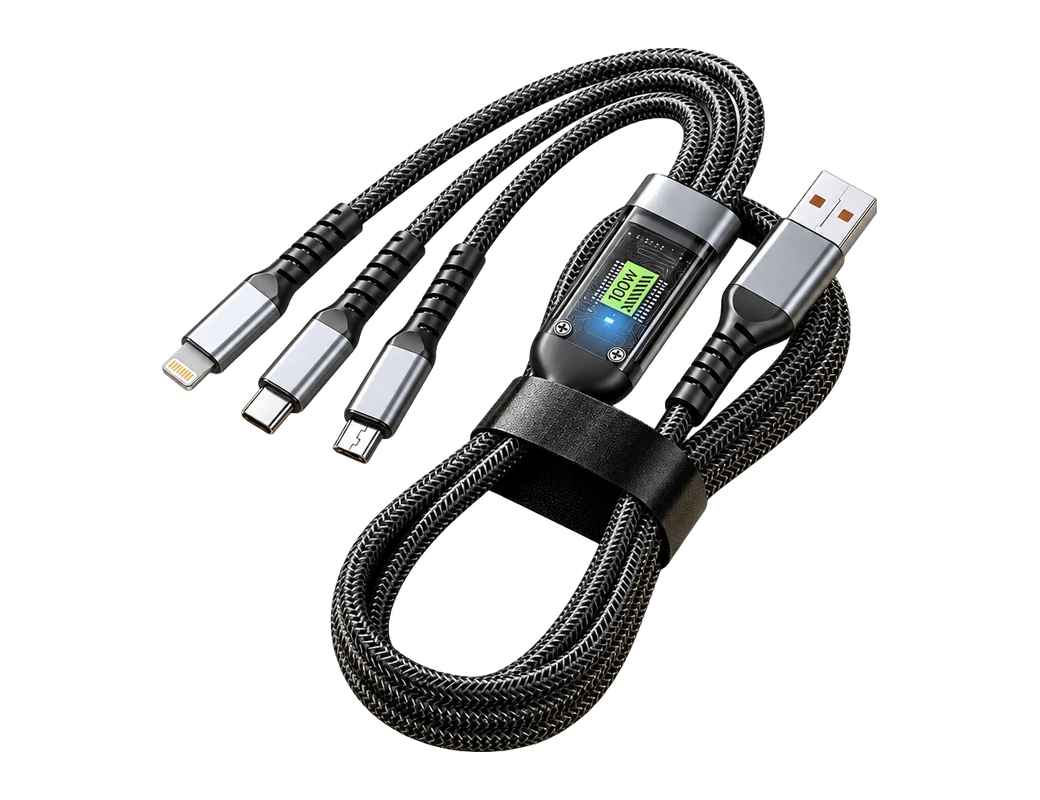
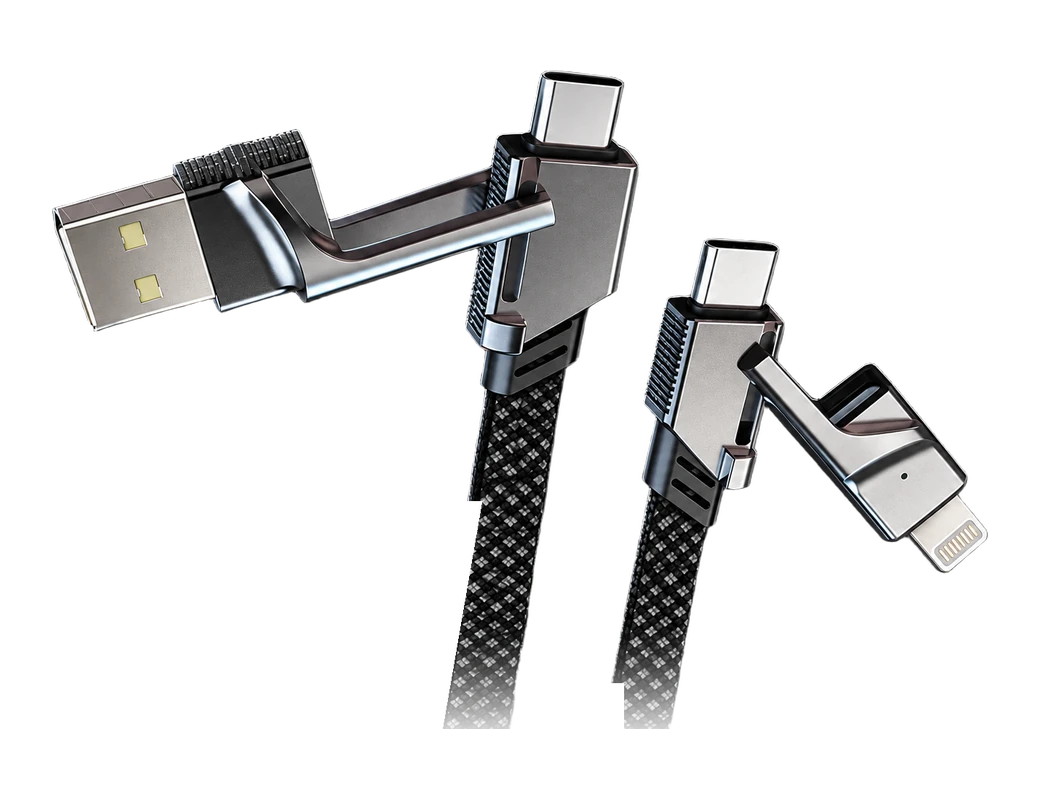
The Titan Power Plus Cable Pro is the one to look at if your phone lives in a case. The cable's low profile 90° connector is designed to fit through most protective phone cases27. A verified five star review of the Titan Smart Cable from May 2021 praises the "great grip at the connector"28. The Cable Pro's page says a built-in chip regulates power flow to prevent overheating, overcharging and battery wear29. The cable supports up to 100W on USB-C PD, and its page claims a charge of 50% in 20 minutes15,20.
What should I check before buying a replacement?
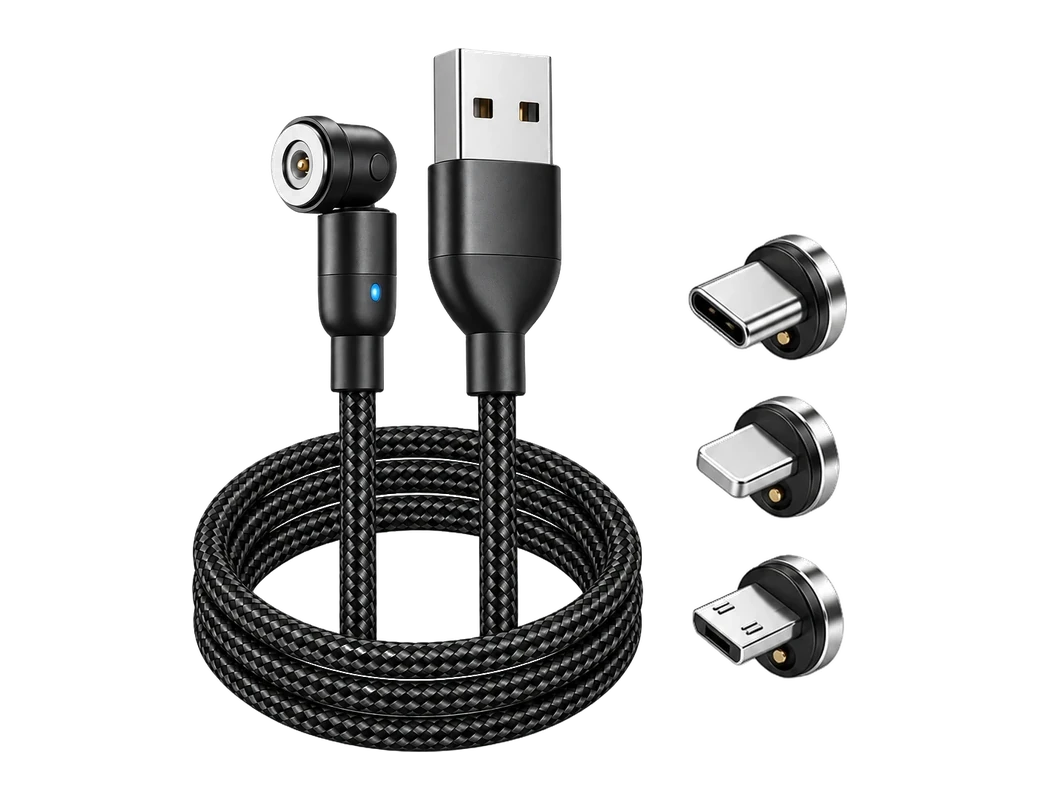
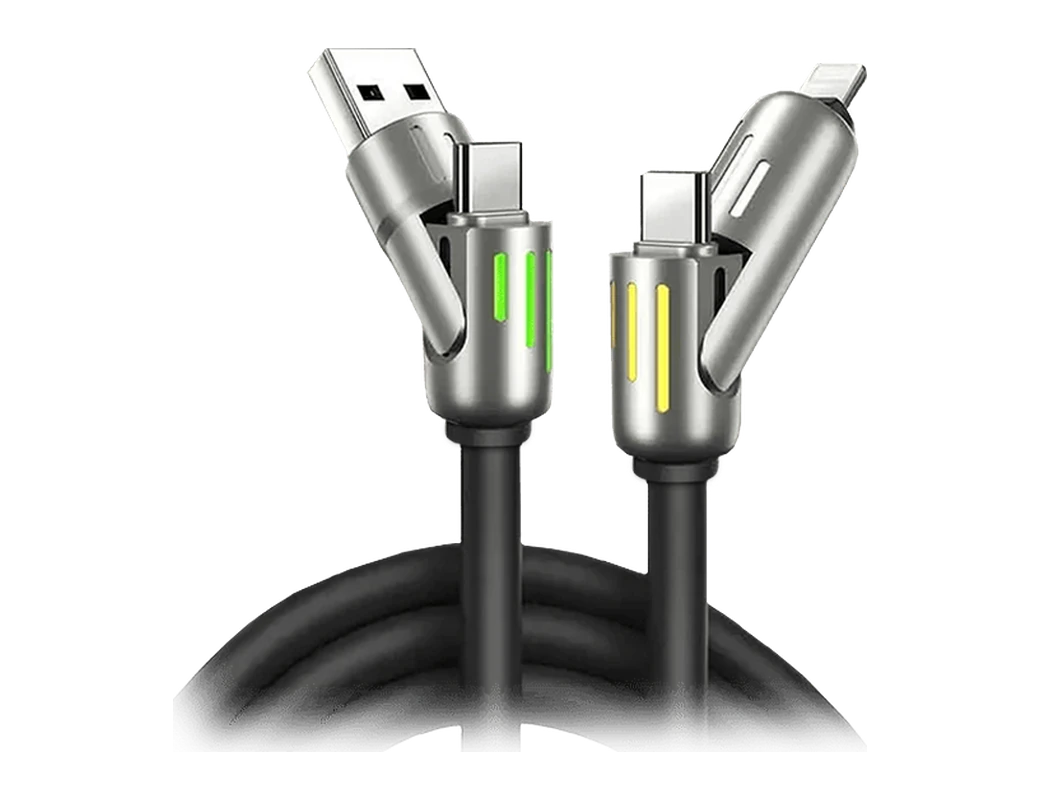
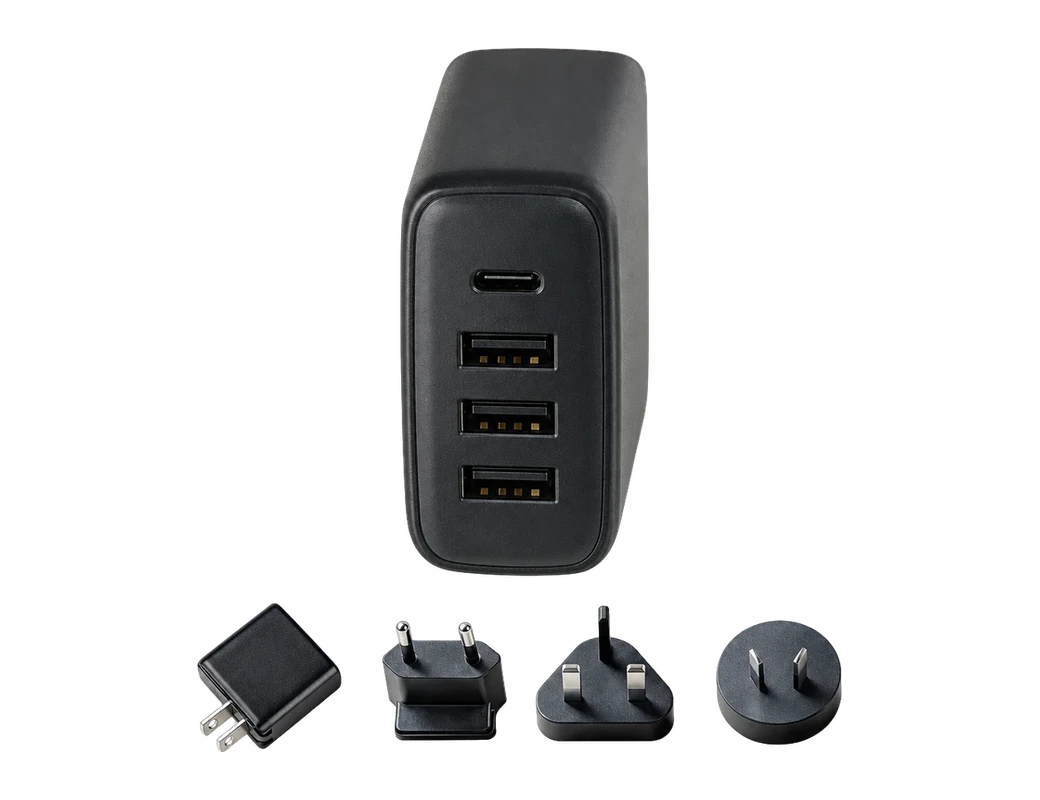
Device compatibility was the question our support desk heard most about phones from 7 August to 5 November 2026, asked in 20 of the 1,149 conversations that named a phone30. Match the ends to your phone and your plug first: the Titan Power Plus Cable Pro comes in USB-A or USB-C to USB-C or Lightning31. For a specific phone model, check the ends on the Cable Pro page. The plug matters as well, since a plug or adapter came up in 85 of those no charge support tickets4. The Titan PD Plug is the pairing the Cable Pro page names for full Power Delivery32.
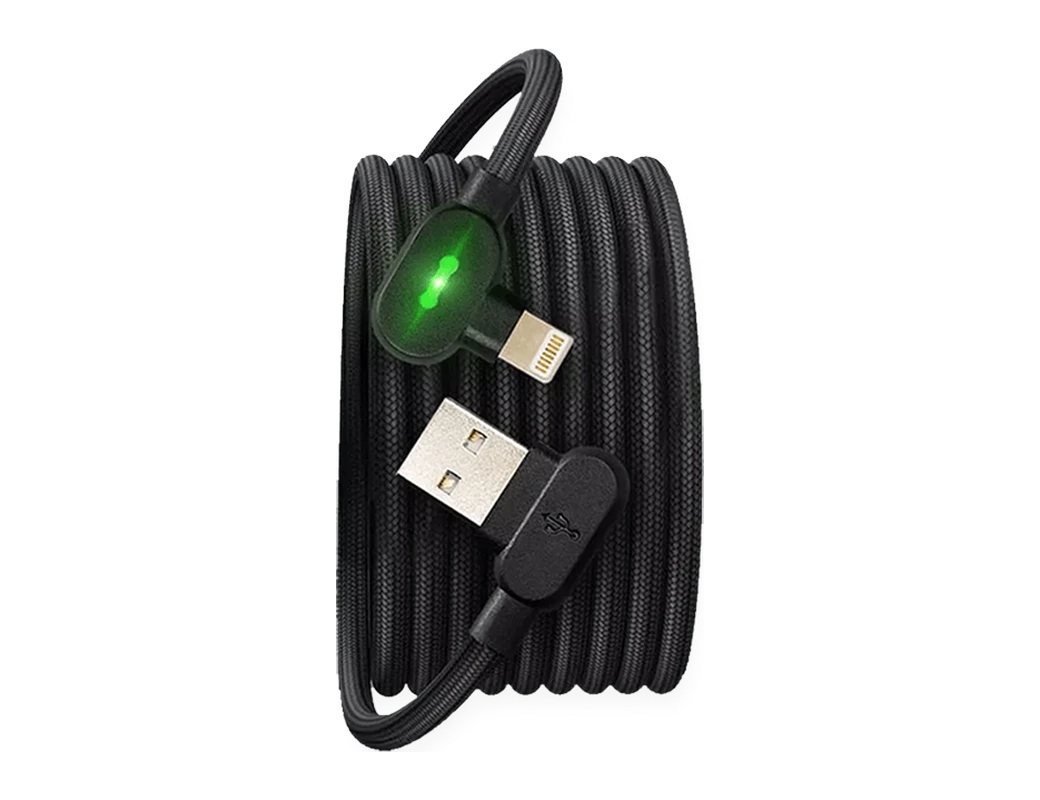
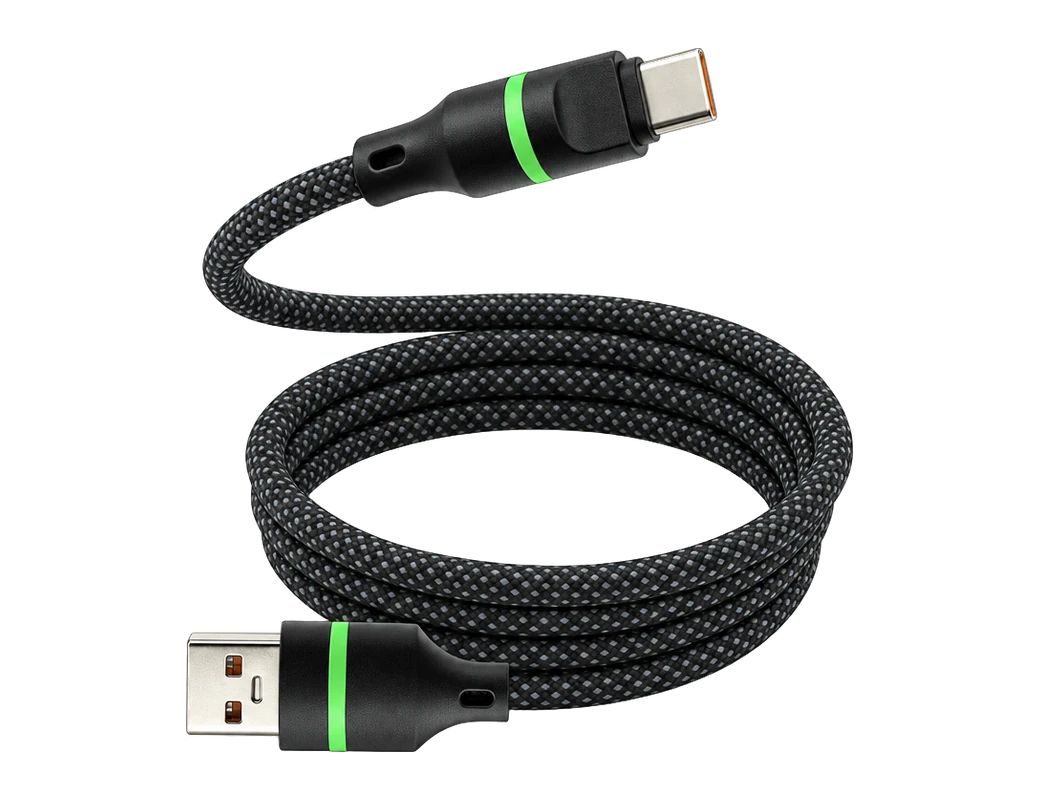
Length decides whether the phone reaches the sofa or stays on the floor by the socket. The Titan Smart Cable comes in 4ft (1.2m), 6ft (1.8m) and 10ft (3.0m). Of the Titan Smart Cable PRO units our customers bought from August to October 2026, 53% were the 6ft (1.8m) length33. One verified five star review from March 2021 found the extra length "extremely useful and a safety factor when charging the phone whilst in use"26.
Products in this guide
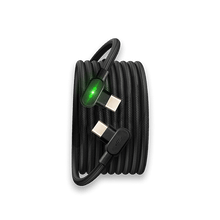
Common questions
Why does my iPhone stop charging at 80 per cent?
An iPhone that stops at 80 per cent can be holding back on purpose. Optimised Battery Charging can wait before finishing past 80 per cent1, and a warm battery can bring the same limit8. A new cable such as the Titan Power Plus Cable Pro will not change either.
Why does my Samsung phone stop at 85%?
A Samsung phone with Protect Battery switched on limits its charge to 85%2. Turn the slider off if you want a full charge. A new cable such as the Titan Power Plus Cable Pro will not move that stop.
Can a phone case stop a phone from charging?
A phone case can get in the way: 16 of the 566 support tickets about a device that would not charge named one4. Take the case off and test. The Titan Power Plus Cable Pro has a low profile 90° connector designed to fit through most protective phone cases27.
See the ends and specs on the Cable Pro page and pick the pair that fits your phone and plug.
View the Titan Smart CableHow we made this guide
- Who: Titan Power Plus.
- How: we read 33 sources, the latest on 6 November 2026, and every price, date and figure here is traced to one of them below. We also counted, by program, every row of: our support desk's tickets (39,368 rows). The guide was drafted with AI tools.
- Why: to answer “Why is my phone not charging, and how do I fix it?” before you buy.
Sources (33)
- Apple Optimised Battery Charging: The iPhone can wait until it is needed before finishing charging past 80 per cent. · support.apple.com/en-au/108805 · read
- Samsung Protect Battery: A community answer on this page says that with the Protect Battery slider on, the battery's charge is limited to 85%. · community.samsung.com/us/conversations/a-series-other-mobile/Phone-Not-Charging/us_2741465 · read
- Apple iPhone: The page says to check the charging cable and USB adaptor for signs of damage such as breakage or bent prongs. · support.apple.com/en-au/108805 · read
- Titan Power Plus: Of 566 support tickets, out of 39,368 read, that say a device will not charge, how many also name each suspect: the cable 413, a plug or adapter 85, a software update 36, the phone's charging port 19, a phone case 16, wireless charging 14, lint or dirt 3 · read
- Apple iPhone: The page says to remove any debris from the charging port, then firmly plug in the charging cable. · support.apple.com/en-au/108805 · read
- Apple iPhone: The page says to force restart the device if it still won't power on or the screen displays a battery icon. · support.apple.com/en-au/108805 · read
- Apple iPhone: The page says a device that still won't power on or charge might need service. · support.apple.com/en-au/108805 · read
- Apple iPhone: If the battery gets too warm, software might limit charging above 80 per cent. · support.apple.com/en-au/108805 · read
- Apple Charge Limit: With iPhone 15 models and later, a charge limit may stop the iPhone from charging past a set limit. · support.apple.com/en-au/108805 · read
- Apple iPhone: The page's published date is December 12, 2025. · support.apple.com/en-au/108805 · read
- Samsung Protect Battery: The community answer says its Protect Battery instructions are for Android 14 ONE UI 6. · community.samsung.com/us/conversations/a-series-other-mobile/Phone-Not-Charging/us_2741465 · read
- Samsung Protect Battery: The community answer says that on Android 13 Battery Protection is checked in Device Care. · community.samsung.com/us/conversations/a-series-other-mobile/Phone-Not-Charging/us_2741465 · read
- Apple Optimised Battery Charging: iOS 13 and later use Optimised Battery Charging to slow battery aging by reducing the time the iPhone spends fully charged. · support.apple.com/en-au/108805 · read
- Devices named in those 566 tickets: iPhone 167, iPad 46, Samsung 16, Pixel 1 · read
- Cable Pro supports up to 100W charging on USB-C PD. · titanpowerplus.com/products/cable-pro · read
- Titan Power Plus 240W PrismCore Cable™: The 240W PrismCore Cable™ delivers charging with up to 240W. · titanpowerplus.com/products/prismcore · read
- Cable Pro's page says its braided armor and reinforced 90° head handle 300,000+ bends without fraying or breaking. · titanpowerplus.com/products/cable-pro · read
- Titan Power Plus 240W PrismCore Cable™: The 240W PrismCore Cable™ page says its build handles daily wear and over 100,000 bends without breaking. · titanpowerplus.com/products/prismcore · read
- Cable Pro's page says it was tested to withstand 155kg of force. · titanpowerplus.com/products/cable-pro · read
- Cable Pro's page claims a charge of 50% in 20 minutes. · titanpowerplus.com/products/cable-pro · read
- Titan Power Plus 240W PrismCore Cable™: The 240W PrismCore Cable™ page lists a charge of 50% in 10 minutes. · titanpowerplus.com/products/prismcore · read
- Cable Pro's specs list USB 3.1 data transfer at 10 Gbps. · titanpowerplus.com/products/cable-pro · read
- Cable Pro price at titanpowerplus.com · titanpowerplus.com/products/cable-pro · read
- 240W PrismCore Cable™ price at titanpowerplus.com · titanpowerplus.com/products/prismcore · read
- Titan Power Plus Titan Smart Cable: Customer reviews Titan Power Plus holds for its Titan Smart Cable, left from November 2018 to October 2025 · read
- Titan Power Plus Titan Smart Cable: A verified 5-star review of the Titan Smart Cable by one of Titan Power Plus's customers, left in March 2021, in the customer's own words · read
- Cable Pro's low-profile 90° connector is designed to fit through most protective phone cases. · titanpowerplus.com/products/cable-pro · read
- Titan Power Plus Titan Smart Cable: A verified 5-star review of the Titan Smart Cable by one of Titan Power Plus's customers, left in May 2021, in the customer's own words · read
- Cable Pro's page says a built-in chip regulates power flow to prevent overheating, overcharging and battery wear. · titanpowerplus.com/products/cable-pro · read
- Titan Power Plus: The most common question about phone the Titan Power Plus support desk answered from 7 August 2026 to 5 November 2026, asked in 20 of the 1149 conversations that named phone · read
- Cable Pro is available in USB-A or USB-C to USB-C or Lightning. · titanpowerplus.com/products/cable-pro · read
- Cable Pro's page says to pair it with the Titan PD Plug to unlock full Power Delivery. · titanpowerplus.com/products/cable-pro · read
- Titan Power Plus Titan Smart Cable PRO: The share of the Titan Smart Cable PRO units Titan Power Plus's customers bought from August to October 2026 that they chose in the 6ft (1.8m) length, of the 2 lengths they bought · read

