
The short answer
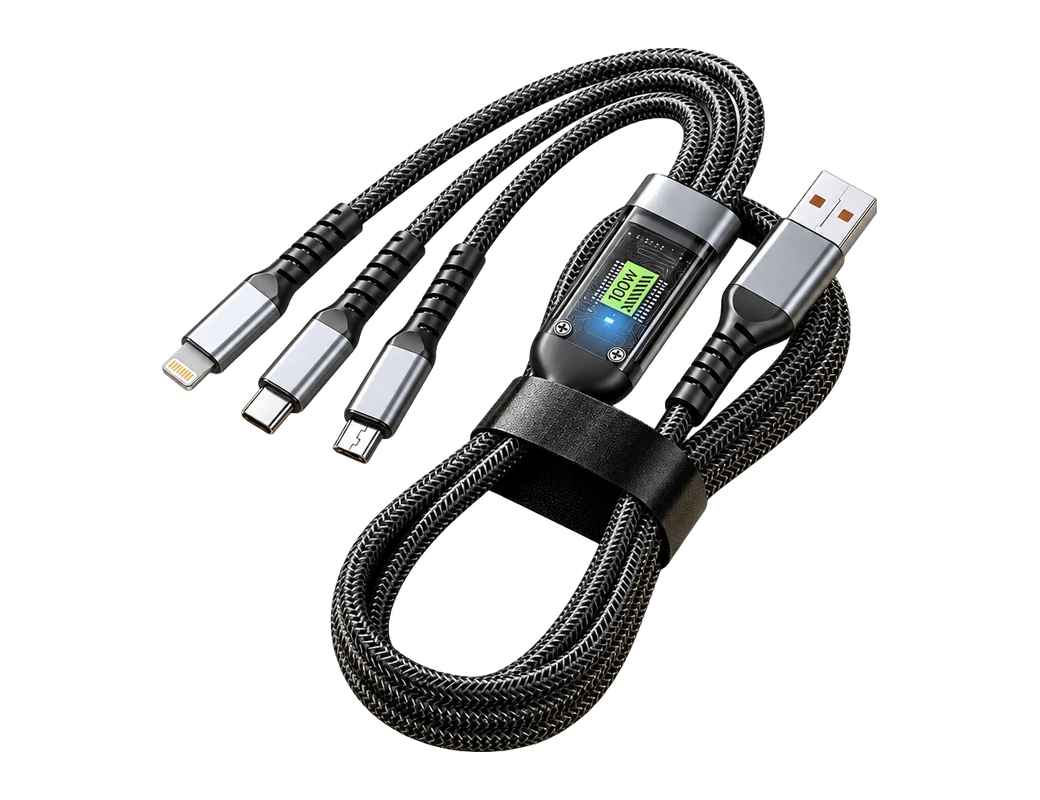
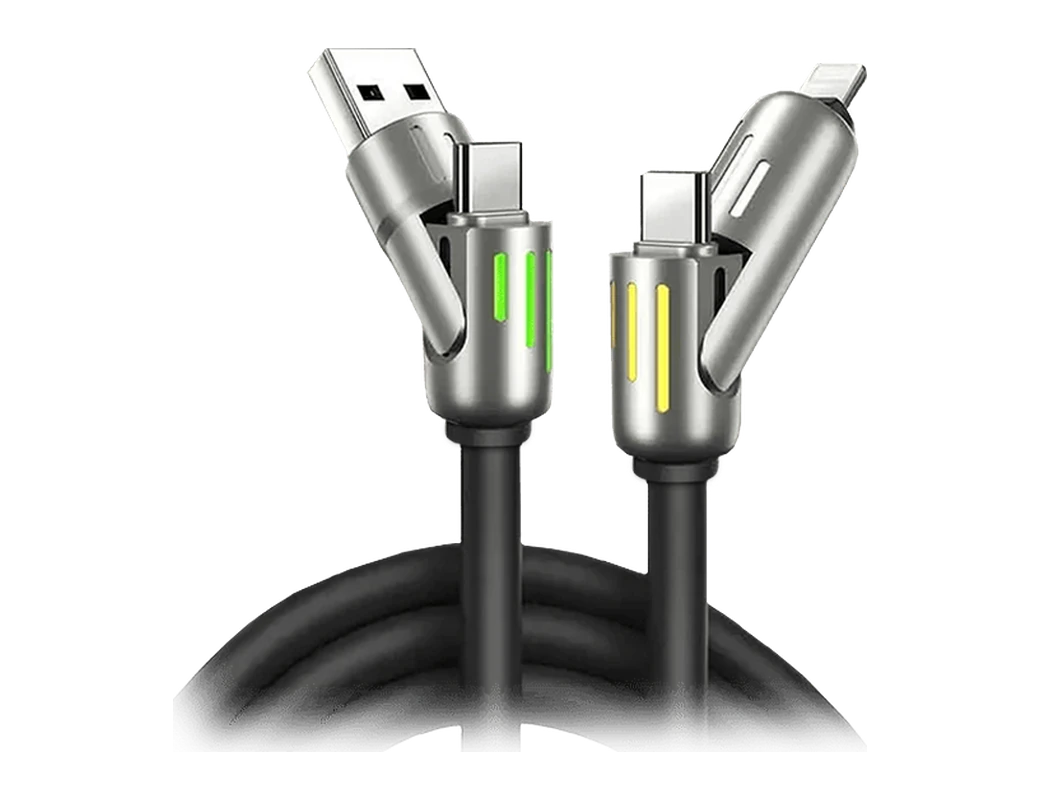
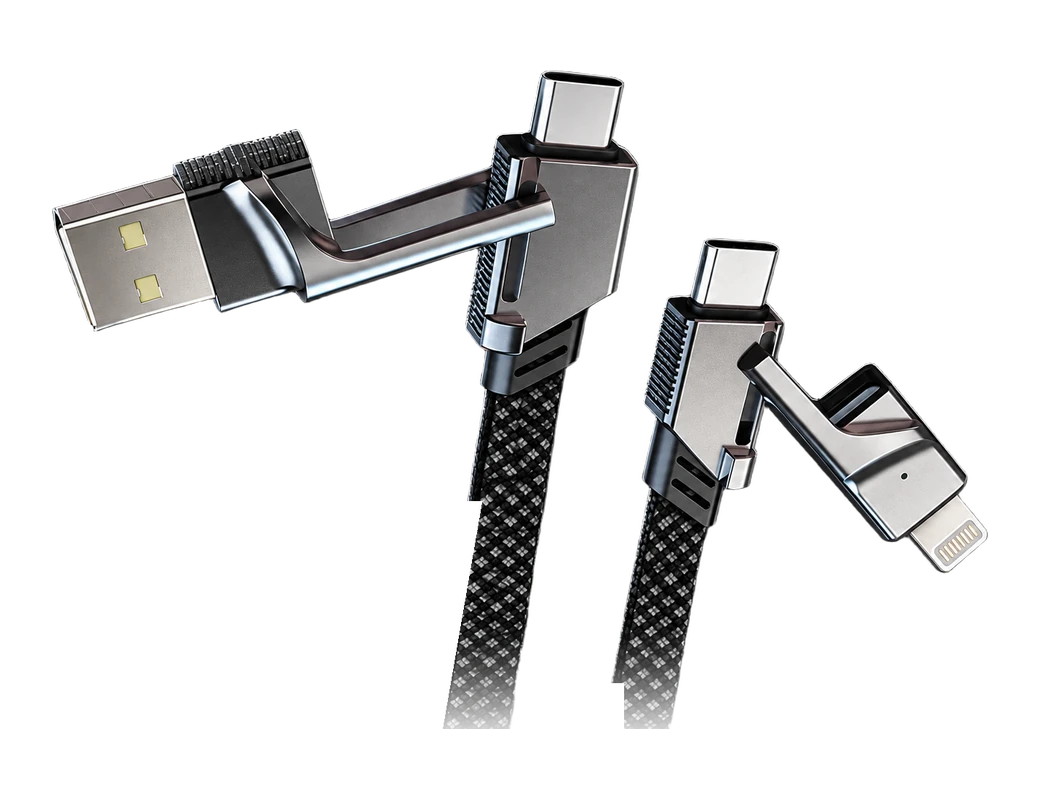
The cord you need has a device end that fits your phone, tablet or laptop and a wall end that fits your charger. Cords come as USB-C, Lightning or Micro-USB at the device and USB-A or USB-C at the wall. The Titan Smart Cable comes with a USB-A or USB-C wall end and a USB-C or Lightning device end.
Key takeaways
- The port on your device decides one end of the cord, and the port on your charger decides the other.
- Anker's guide says USB-C to USB-C cables are compatible with the new Android phones and the iPhone 15 series and later1.
- Power rating and data speed are separate numbers, so check both on the label or the product page.
- Adafruit's guide says the USB-IF, as of 2025, recommends labeling ports and cables by their speed rather than the standard they support2.
Which cord pairs are common, and what does each one suit?
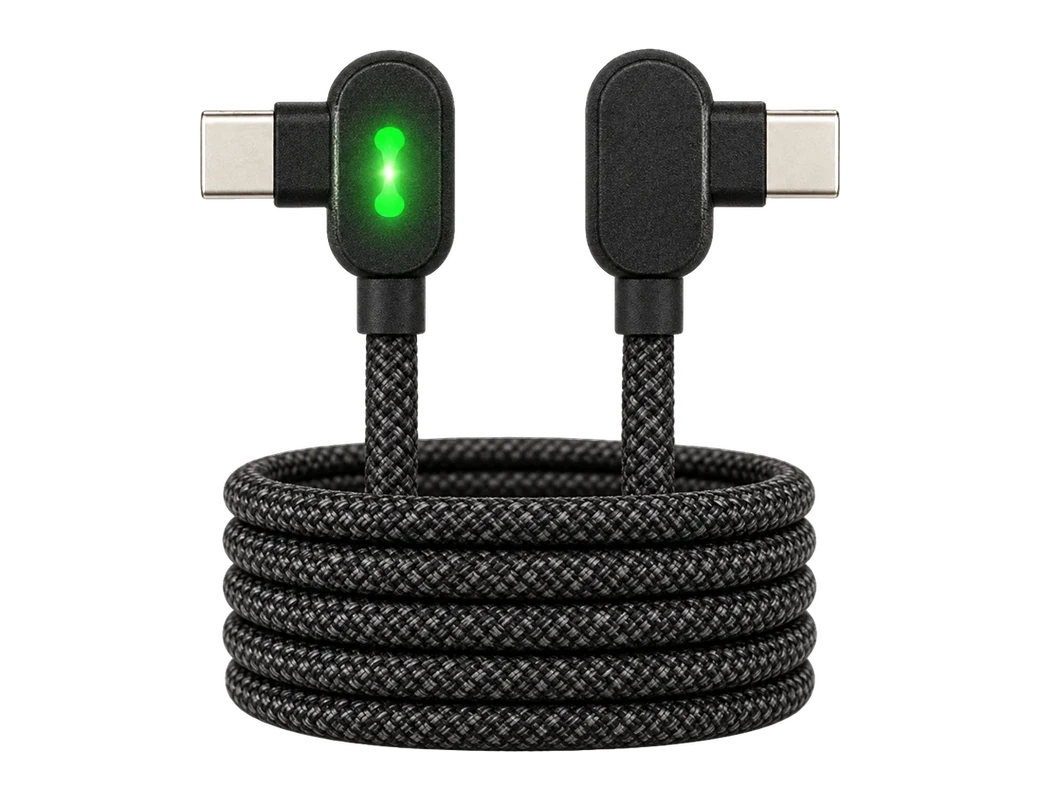
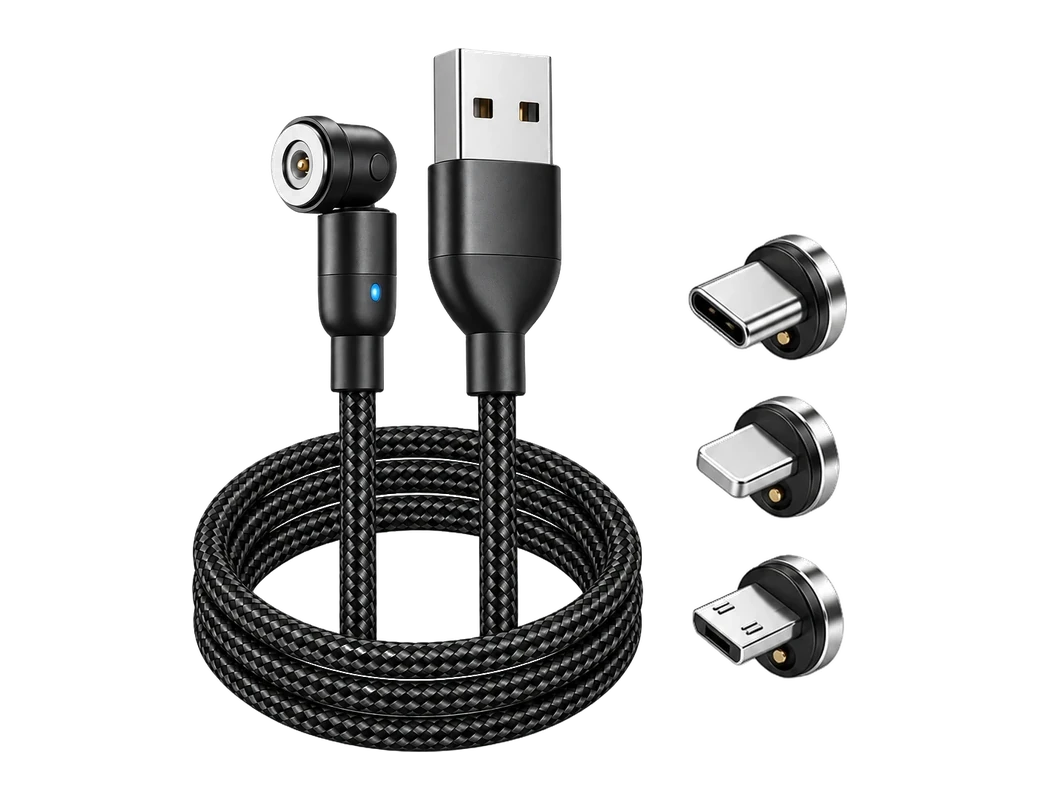
A charging cord is named by its two ends, one for the charger and one for the device. The charger end is usually USB-A or USB-C. The device end is usually USB-C, Lightning or Micro-USB. The table of cable types by their two ends sets out what each source page states, so you can find your pair in one line.
- USB-C to USB-C: Anker's guide says USB-C to USB-C cables support up to 240W3.
- USB-C to Lightning: Anker's guide says USB-C to Lightning cables are compatible with iPhone 8 and later4.
- USB-A to Lightning: Anker's guide says the USB-A to Lightning connector type is designed for Apple devices such as the iPhone 5 to iPhone 135.
- USB-A to USB-C: Anker's guide says USB-A to USB-C cables are slower than USB-C to USB-C for charging and data6.
- USB-A to Micro-USB: Anker's guide says Micro-USB ends are now primarily used for older smartphones, cameras and accessories7.
| Cable type | Power stated | Data speed stated | Devices it fits |
|---|---|---|---|
| USB-C to USB-C | up to 240W | 5Gbps to 40Gbps | new Android phones, iPhone 15 series and later |
| USB-C to Lightning | not stated | not stated | iPhone 8 and later |
| USB-A to Lightning | not stated | not stated | iPhone 5 to iPhone 13 |
| USB-A to USB-C | slower than USB-C to USB-C | slower than USB-C to USB-C | not stated |
| USB-A to Micro-USB | not stated | 480 MBPS | older smartphones, cameras, and accessories |

Which cord does your phone or tablet need?
The port on the device you charge most decides the device end of the cord. Anker's guide says that starting with iPhone 15, the iPhone has a USB-C port for charging and data transfer10. Anker's guide says newer Samsung models, starting from the Galaxy S8 and Note8, use USB-C connectors11. An iPhone with a Lightning port needs a cord with a Lightning end.
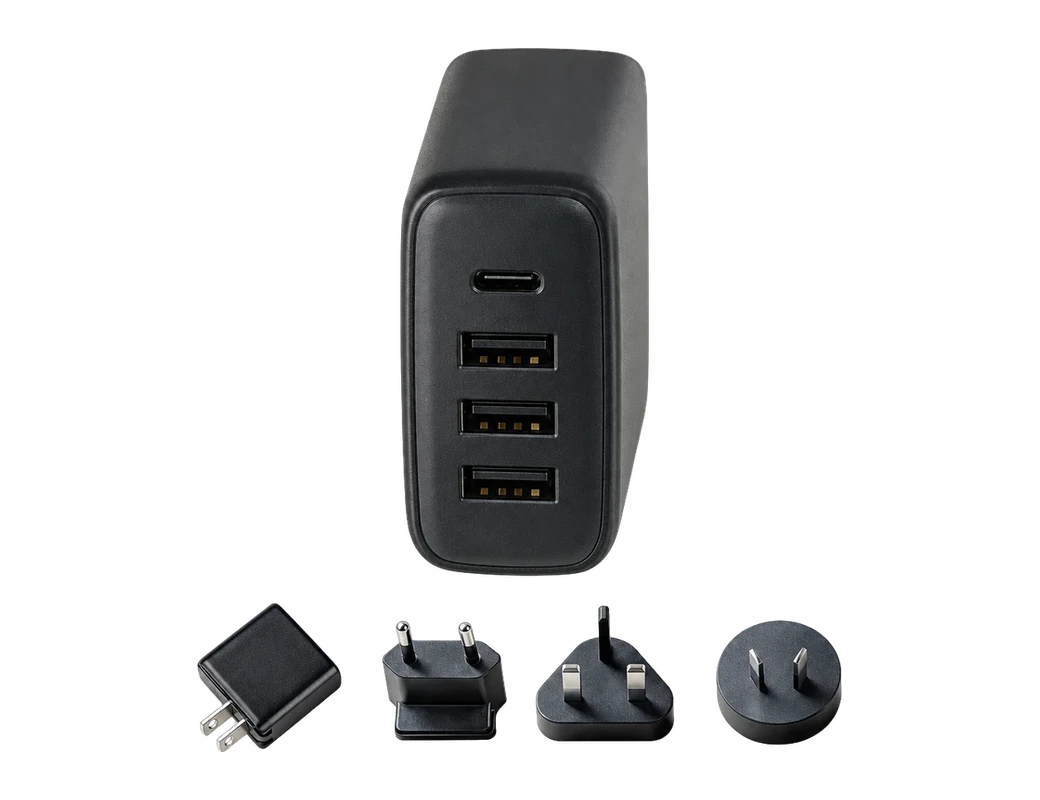
The charger end matters as much as the device end. Anker's guide says USB-A chargers can deliver power outputs up to 18W12. Anker's guide says USB-C chargers support USB Power Delivery, enabling outputs as high as 100W13. Tricked Out Accessories' page says a USB Type-A cable can only be inserted one way into the port14. A cord's wall end should match the plug you own now, or the plug you plan to buy.
| Spec | Cable Pro | 240W PrismCore Cable™ |
|---|---|---|
| Power | up to 100W on USB-C PD | up to 240W |
| Data speed | 10 Gbps (USB 3.1) | not stated |
| Charge claim | 50% in just 20 minutes | 50% in 10 minutes |
| Bend rating | 300,000+ bends | over 100,000 bends |
| Price | 23.62 USD | 28.05 USD |
What do power ratings and data speeds mean on a cable?
Power rating and data speed are two separate numbers on the same cord. Anker's guide says USB-C to USB-C cables have transfer rates ranging from 5Gbps to 40Gbps8. Anker's page says the Anker 641 USB-C to Lightning Cable supports up to 60W of charging power24. Anker's page says data transfer on the Anker 641 USB-C to Lightning Cable remains at 480Mbps (USB 2.0)25. Tricked Out Accessories' page says Micro-USB cables can support a data transfer of 480 Mbps9.
Data speed decides how long a photo backup or a file copy takes over the cord. Adafruit's guide gives an example in which a USB 3.1 Gen 2 cable takes 5 seconds at 10 Gbps26. Adafruit's guide gives an example in which a USB 2.0 cable takes 1.7 minutes at 480 MBps27. A cord you also use for backups is worth checking for its data rating, not only its power rating.

What should you check on a USB-C cable before you buy?
USB-C cables share one plug shape and still differ in power and speed. Adafruit's guide says all Type-C cables except the minimal combination of USB 2.0 and only 3 A must contain E-Marker chips28. Adafruit's guide says the term Full-featured refers to speed and typically means USB 3.1 Gen 229. Adafruit's guide advises buying cables from the device manufacturer when in doubt30. A label that states the speed saves you guessing from the plug alone.
- The plug at each end matches your charger and your device.
- The power rating covers what your charger can deliver.
- The data speed is printed on the label or stated on the product page.
Where does the Titan Smart Cable fit?
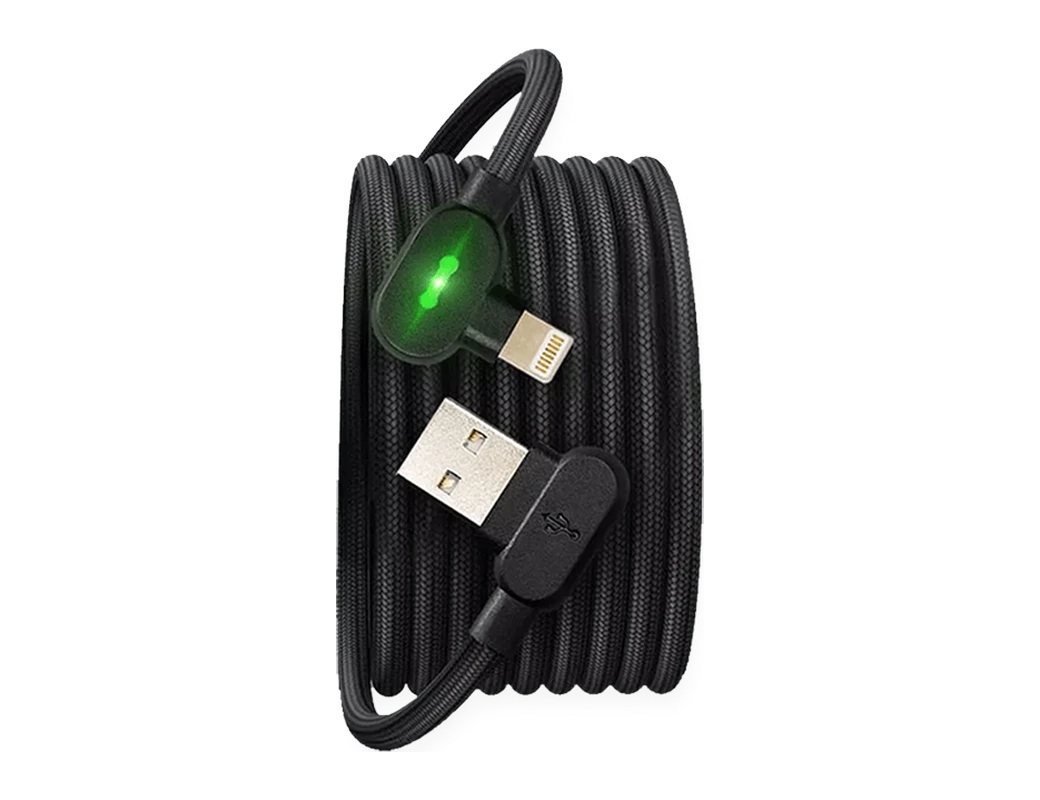
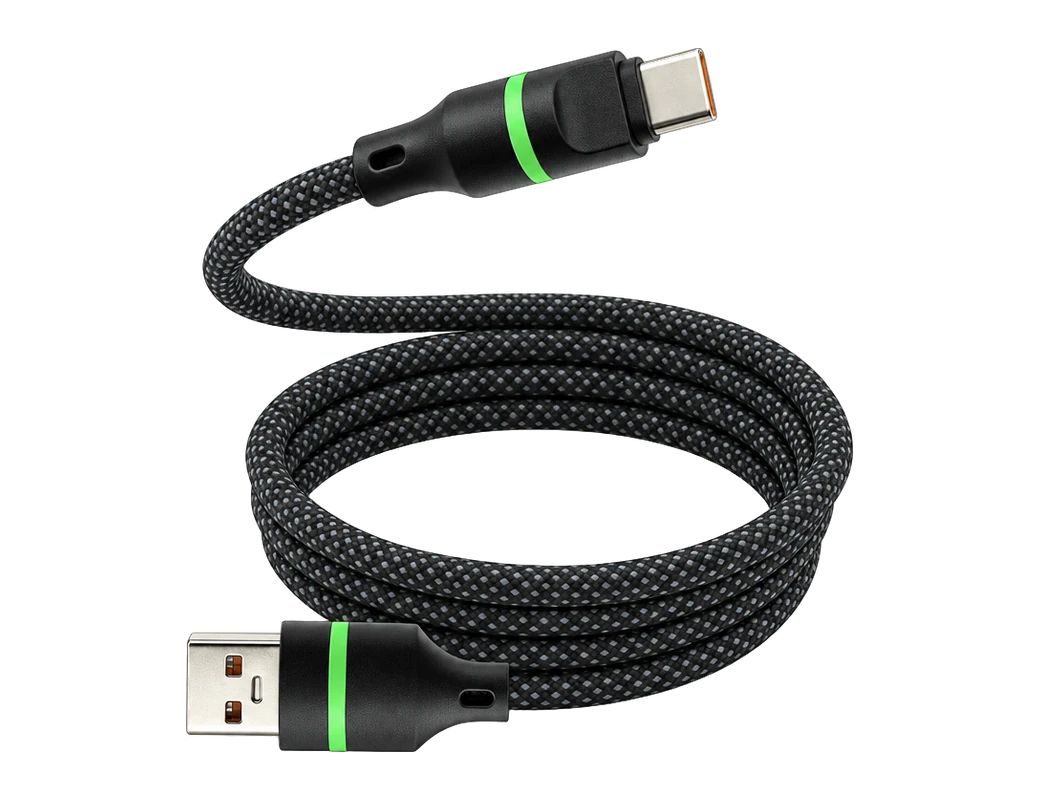
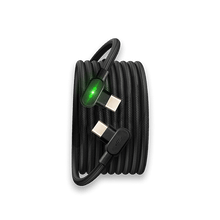
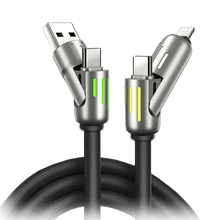
The Titan Smart Cable comes with a USB-A or USB-C wall end and a USB-C or Lightning device end. The store lists the cable in 4ft (1.2m), 6ft (1.8m) and 10ft (3.0m) lengths. The 90° connector gives a comfortable grip while charging, and the included cable tie keeps the cord neat. The cable's store record lists 480 Mbps data transfer. The cable is not made for a Micro-USB device, since its device end is USB-C or Lightning.
The Titan Smart Cable is made from aramid fiber, and its store record says the cable survives over 200,000 bends. The cable automatically disconnects once fully charged, to prevent overcharging, excessive heat and battery damage. Each order includes 24/7 customer support. The design lets the cable plug in both ways.
Titan Power Plus says Cable Pro supports up to 100W charging on USB-C PD15. Titan Power Plus lists USB 3.1 data transfer at 10 Gbps for Cable Pro17. Titan Power Plus says Cable Pro should be paired with the Titan PD Plug for full Power Delivery31. The Cable Pro page is the place to confirm the power rating and data speed of the version you choose. The table of the house's two cables sets these specs side by side.
Titan Power Plus says the 240W PrismCore Cable™ delivers charging with up to 240W of power16. Anker's guide says USB-C to USB-C cables support up to 240W3. Titan Power Plus says the 240W PrismCore Cable™ has a reinforced silicone and zinc alloy build32. The PrismCore page does not state a data speed, so confirm one there before relying on the cable for large file copies.
Products in this guide
$28.05 Price read 8 November 2026, 12:35 EST [23]
View the 240W PrismCore Cable
Common questions
Can one cord charge both an iPhone and an Android phone?
One cord works when both phones share the same port. Anker's guide says USB-C to USB-C cables are compatible with the new Android phones and the iPhone 15 series and later1. The Titan Smart Cable comes with a USB-C or a Lightning device end, so pick the end your phones use.
Does a faster charger need a different cable?
A faster charger needs a cable rated for its output. Anker's guide says USB-C chargers support USB Power Delivery, enabling outputs as high as 100W13. The Titan Smart Cable's store record does not state a wattage, so check the product page for the rating of the version you choose.
Is a USB-A cord still worth keeping?
A USB-A cord still fits any wall plug with a USB-A port. Anker's guide says USB-A chargers can deliver power outputs up to 18W12. The Titan Smart Cable comes with a USB-A wall end for those plugs, or a USB-C wall end for newer ones.
Which cord should a Micro-USB device use?
A Micro-USB device needs a cord with a Micro-USB end. Anker's guide says Micro-USB ends are now primarily used for older smartphones, cameras and accessories7. The Titan Smart Cable is not made for Micro-USB, since its device end is USB-C or Lightning.
See the Cable Pro page to choose the wall end, device end and length that match your devices.
View the Titan Smart CableHow we made this guide
- Who: Titan Power Plus.
- How: we read 32 sources, the latest on 8 November 2026, and every price, date and figure here is traced to one of them below. The guide was drafted with AI tools.
- Why: to answer “What types of charging cords are there, and which one do you need?” before you buy.
Sources (32)
- Anker's guide says USB-C to USB-C cables are compatible with the new Android phones and the iPhone 15 series and later. · anker.com/blogs/chargers/top-6-different-phone-charger-types-all-you-need-to-know · read
- Adafruit's guide says the USB-IF, as of 2025, recommends labeling ports and cables by their speed rather than the standard they support. · learn.adafruit.com/understanding-usb-type-c-cable-types-pitfalls-and-more/cable-types-and-differences · read
- Anker's guide says USB-C to USB-C cables support up to 240W. · anker.com/blogs/chargers/top-6-different-phone-charger-types-all-you-need-to-know · read
- Anker's guide says USB-C to Lightning cables are compatible with iPhone 8 and later. · anker.com/blogs/chargers/top-6-different-phone-charger-types-all-you-need-to-know · read
- Anker's guide says the USB-A to Lightning connector type is designed for Apple devices such as the iPhone 5 to iPhone 13. · anker.com/blogs/chargers/top-6-different-phone-charger-types-all-you-need-to-know · read
- Anker's guide says USB-A to USB-C cables are slower than USB-C to USB-C for charging and data. · anker.com/blogs/chargers/top-6-different-phone-charger-types-all-you-need-to-know · read
- Anker's guide says Micro-USB ends are now primarily used for older smartphones, cameras and accessories. · anker.com/blogs/chargers/top-6-different-phone-charger-types-all-you-need-to-know · read
- Anker's guide says USB-C to USB-C cables have transfer rates ranging from 5Gbps to 40Gbps. · anker.com/blogs/chargers/top-6-different-phone-charger-types-all-you-need-to-know · read
- Tricked Out Accessories' page says Micro-USB cables can support a data transfer of 480 MBPS. · trickedoutonline.com/types-of-phone-charger-cables · read
- Anker's guide says that starting with iPhone 15, the iPhone has a USB-C port for charging and data transfer. · anker.com/blogs/chargers/top-6-different-phone-charger-types-all-you-need-to-know · read
- Anker's guide says newer Samsung models, starting from the Galaxy S8 and Note8, use USB-C connectors. · anker.com/blogs/chargers/top-6-different-phone-charger-types-all-you-need-to-know · read
- Anker's guide says USB-A chargers can deliver power outputs up to 18W. · anker.com/blogs/chargers/top-6-different-phone-charger-types-all-you-need-to-know · read
- Anker's guide says USB-C chargers support USB Power Delivery, enabling outputs as high as 100W. · anker.com/blogs/chargers/top-6-different-phone-charger-types-all-you-need-to-know · read
- Tricked Out Accessories' page says a USB Type-A cable can only be inserted one way into the port. · trickedoutonline.com/types-of-phone-charger-cables · read
- Titan Power Plus says Cable Pro supports up to 100W charging on USB-C PD. · titanpowerplus.com/products/cable-pro · read
- Titan Power Plus says the 240W PrismCore Cable™ delivers charging with up to 240W of power. · titanpowerplus.com/products/prismcore · read
- Titan Power Plus lists USB 3.1 data transfer at 10 Gbps for Cable Pro. · titanpowerplus.com/products/cable-pro · read
- Titan Power Plus says Cable Pro can charge 50% in just 20 minutes. · titanpowerplus.com/products/cable-pro · read
- Titan Power Plus's 240W PrismCore Cable™ page states 50% in 10 minutes. · titanpowerplus.com/products/prismcore · read
- Titan Power Plus says Cable Pro handles 300,000+ bends without fraying or breaking. · titanpowerplus.com/products/cable-pro · read
- Titan Power Plus says the 240W PrismCore Cable™ handles over 100,000 bends without breaking. · titanpowerplus.com/products/prismcore · read
- Cable Pro price at titanpowerplus.com · titanpowerplus.com/products/cable-pro · read
- 240W PrismCore Cable™ price at titanpowerplus.com · titanpowerplus.com/products/prismcore · read
- Anker's page says the Anker 641 USB-C to Lightning Cable supports up to 60W of charging power. · anker.com/blogs/chargers/top-6-different-phone-charger-types-all-you-need-to-know · read
- Anker's page says data transfer on the Anker 641 USB-C to Lightning Cable remains at 480Mbps (USB 2.0). · anker.com/blogs/chargers/top-6-different-phone-charger-types-all-you-need-to-know · read
- Adafruit's guide gives an example in which a 3.1 Gen 2 cable takes 5 seconds at 10 Gbps. · learn.adafruit.com/understanding-usb-type-c-cable-types-pitfalls-and-more/cable-types-and-differences · read
- Adafruit's guide gives an example in which a 2.0 cable takes 1.7 min at 480 MBps. · learn.adafruit.com/understanding-usb-type-c-cable-types-pitfalls-and-more/cable-types-and-differences · read
- Adafruit's guide says all Type-C cables except the minimal combination of USB 2.0 and only 3 A must contain E-Marker chips. · learn.adafruit.com/understanding-usb-type-c-cable-types-pitfalls-and-more/cable-types-and-differences · read
- Adafruit's guide says the term “Full-featured” refers to speed and typically means USB 3.1 Gen 2. · learn.adafruit.com/understanding-usb-type-c-cable-types-pitfalls-and-more/cable-types-and-differences · read
- Adafruit's guide advises buying cables from the device manufacturer when in doubt. · learn.adafruit.com/understanding-usb-type-c-cable-types-pitfalls-and-more/cable-types-and-differences · read
- Titan Power Plus says Cable Pro should be paired with the Titan PD Plug to unlock full Power Delivery. · titanpowerplus.com/products/cable-pro · read
- Titan Power Plus says the 240W PrismCore Cable™ has a reinforced silicone and zinc alloy build. · titanpowerplus.com/products/prismcore · read

